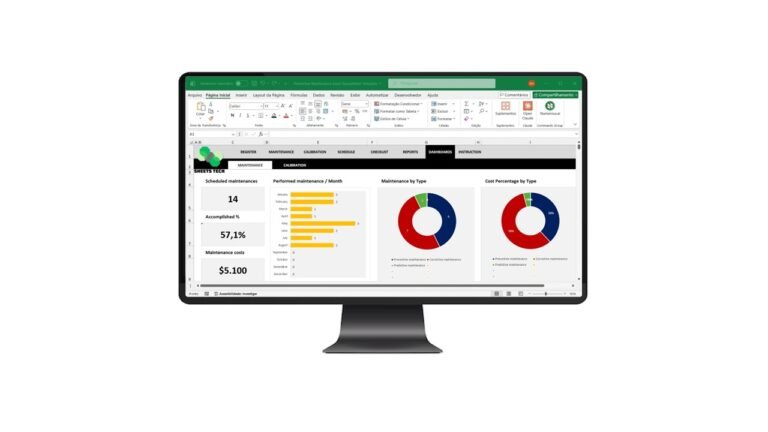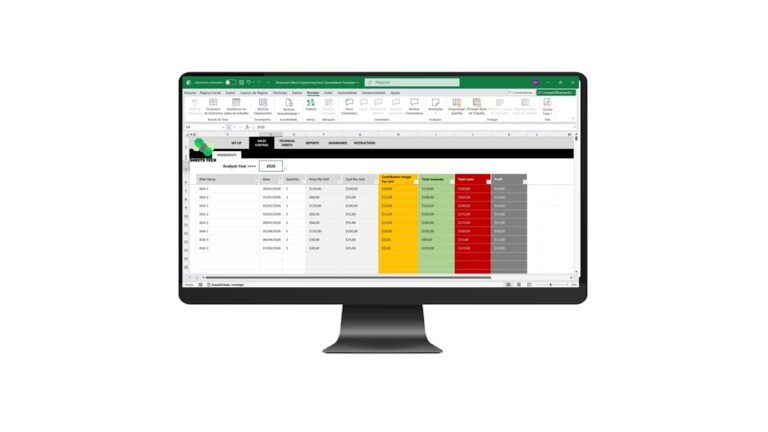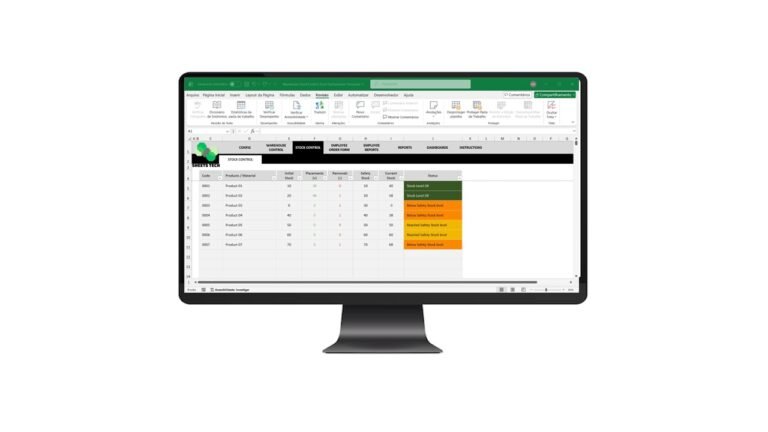
Managing inventory effectively can make or break your business. Whether you’re a small business owner or managing a large warehouse, an efficient system is crucial. Enter the world of the Inventory Management Excel Spreadsheet Template, your ultimate solution for seamless stock control. This tool is designed to bridge the gap between chaos and organization, ensuring your inventory is always in check.
Why You Need an Inventory Management System
Every business owner understands the pain of mismanaged inventory. It leads to overselling, stockouts, and ultimately, unhappy customers. But how do you choose the right system?
Understanding Inventory Challenges
- Stock Discrepancies: Often, businesses face mismatches between recorded and actual stock levels.
- Order Fulfillment Delays: Without proper inventory tracking, fulfilling orders on time becomes challenging.
- Inefficient Stock Rotation: First-in, first-out (FIFO) practices are hard to maintain without a robust system.
How an Excel Spreadsheet Can Help
A well-designed Excel spreadsheet can provide a cost-effective and user-friendly solution. It offers:
- Accessibility: Easily share your inventory data with team members.
- Customization: Tailor the spreadsheet to fit your business needs.
- Real-Time Tracking: Monitor inventory levels as they change.
The Solution: SheetsTech’s Inventory Management Excel Spreadsheet Template
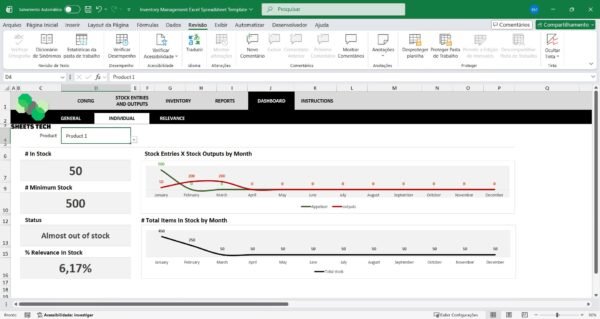
To tackle these challenges, the Inventory Management Excel Spreadsheet Template by SheetsTech stands out as a comprehensive tool. It’s designed to simplify your inventory processes, saving you time and reducing errors.
Features of the SheetsTech Template
- Automated Calculations: No need for manual data entry errors.
- Detailed Reports: Generate reports on stock levels, sales, and purchase orders.
- User-Friendly Interface: Intuitive layout for quick navigation and use.
How to Use the Template
- Download the Spreadsheet: Get started by downloading the spreadsheet.
- Customize to Your Needs: Adjust fields and formulas to match your inventory requirements.
- Input Data Regularly: Keep your inventory data up-to-date for accurate tracking.
- Analyze Reports: Use built-in reports to make informed business decisions.
Benefits of Using SheetsTech’s Template
- Increased Efficiency: Streamlines inventory management, reducing time spent on manual tasks.
- Improved Accuracy: Minimizes errors through automated processes.
- Scalability: Suitable for businesses of all sizes, from startups to large enterprises.
Frequently Asked Questions (FAQ)
What makes this template better than others?
The SheetsTech Inventory Management Excel Spreadsheet Template is crafted with user experience in mind, offering robust features and easy customization.
Is it compatible with all versions of Excel?
Yes, this template is compatible with all recent versions of Excel.
Can I use it for multiple locations?
Absolutely! The template can be customized to manage inventory across multiple locations.
Conclusion
Streamlining your inventory management process is now easier than ever with the Inventory Management Excel Spreadsheet Template. By leveraging this tool, you’ll not only improve efficiency but also enhance customer satisfaction.
See Also
Boost your results with these other tools:
- Fitness Center Management Excel Spreadsheet Template
- Financial Indicators Excel Spreadsheet Template
- Cleaning Schedule Excel Spreadsheet Template