Inventory Management Excel Spreadsheet Template – Complete Stock Control System
Take full control of your business with this powerful Inventory Management Excel Spreadsheet Template, designed for companies that need accurate inventory control, stock movement tracking, and real-time performance analysis across multiple locations.
This professional Inventory Management Spreadsheet in Excel allows you to manage products, suppliers, employees, and distribution centers in one fully integrated system.
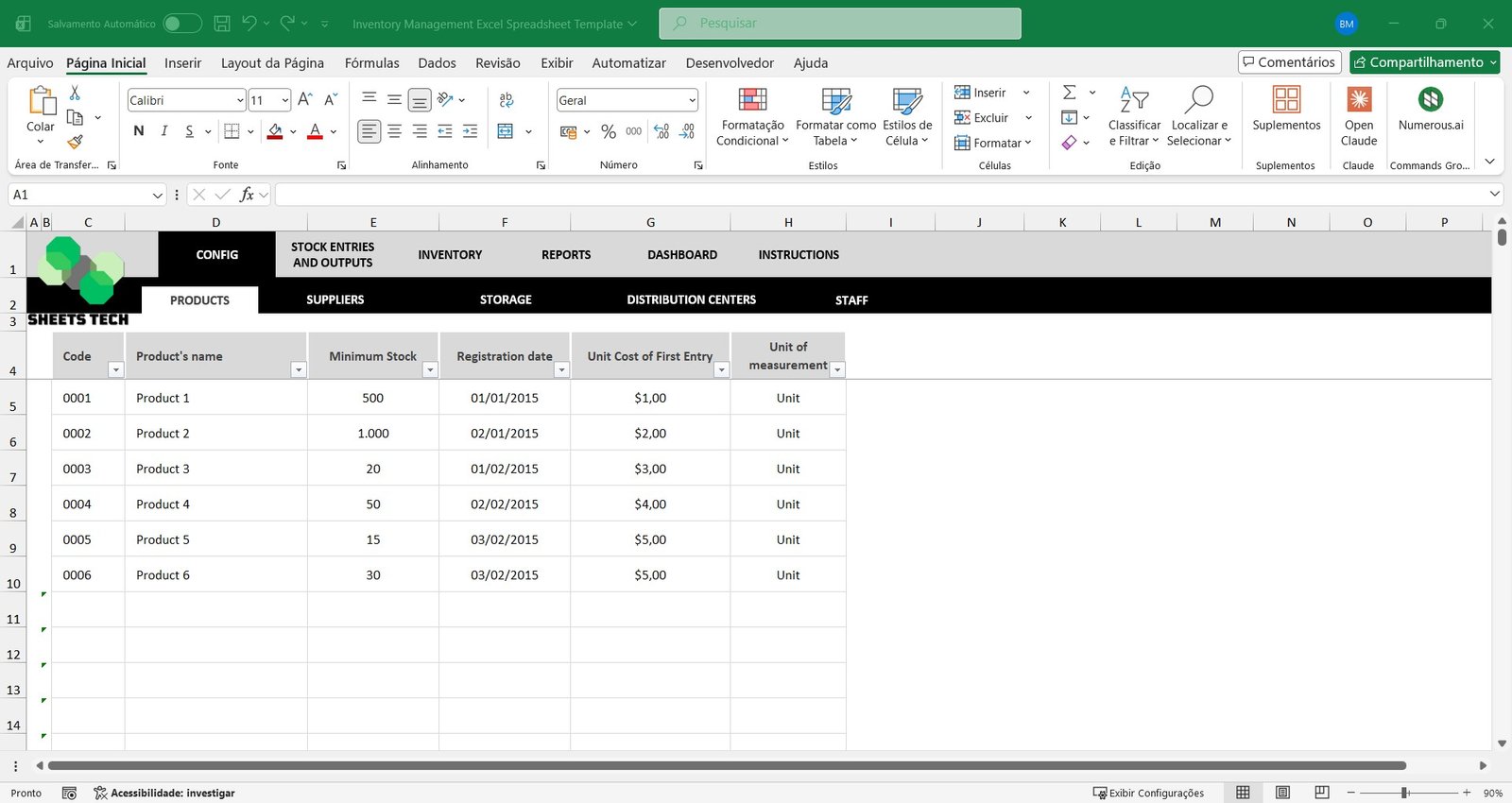
Product, Supplier & Employee Registration
Start by registering all essential inventory data:
- Up to 1,000 products
- Up to 2,000 suppliers
- Up to 200 professionals
Maintain a structured database that supports accurate stock management, improves organization, and ensures reliable reporting.
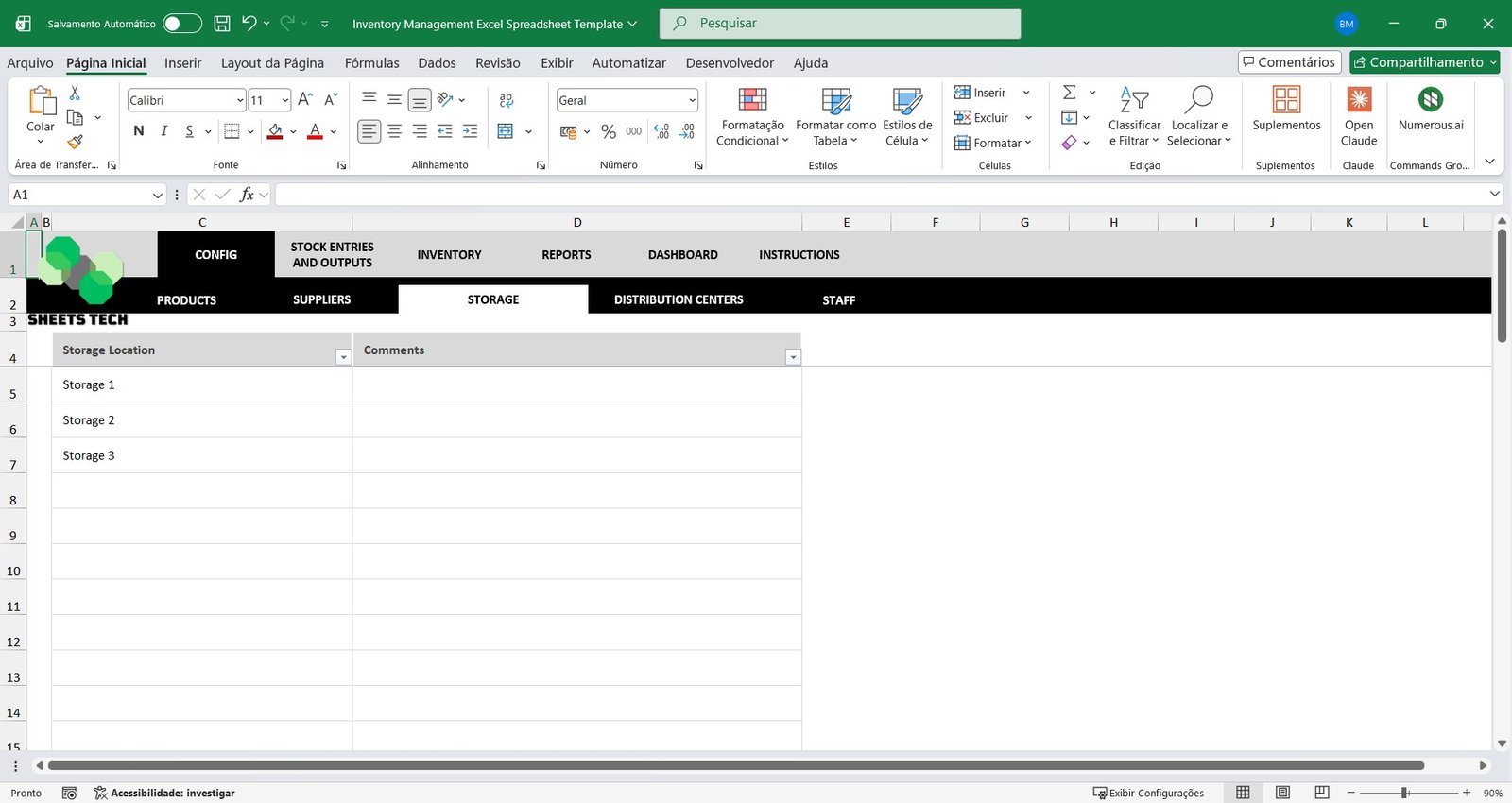
Distribution Centers & Storage Locations
If your company operates with multiple warehouses or stock locations, this spreadsheet allows you to:
- Register multiple distribution centers
- Create internal storage locations
- Centralize inventory data from different physical locations
Perfect for businesses that require multi-location inventory control in Excel.
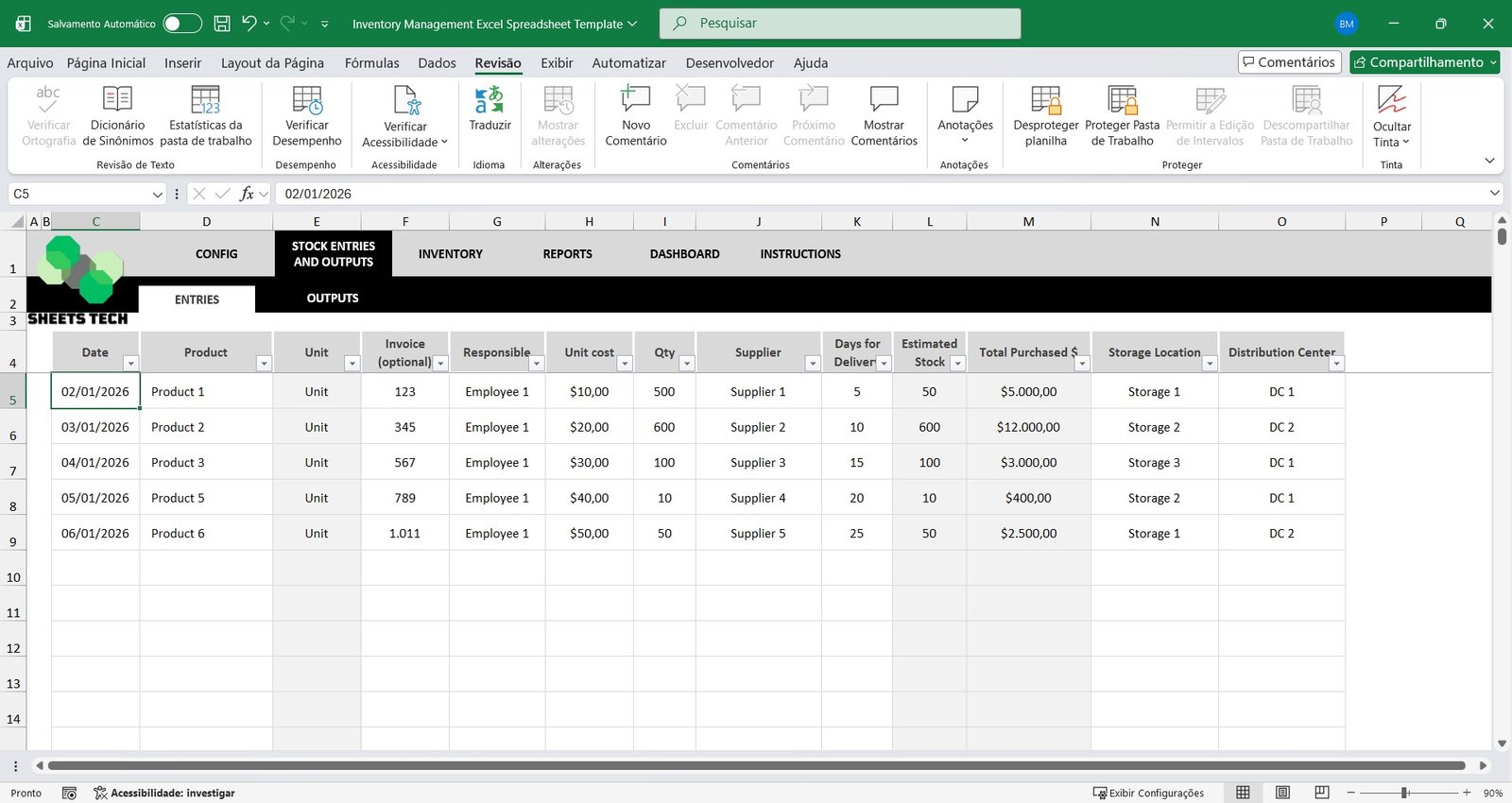
Inventory Inflows & Outflows Tracking
Record all stock movements with precision:
- Product entries (purchases, returns, adjustments)
- Product exits (sales, transfers, usage)
Track every transaction and maintain full visibility over your inventory movement control.
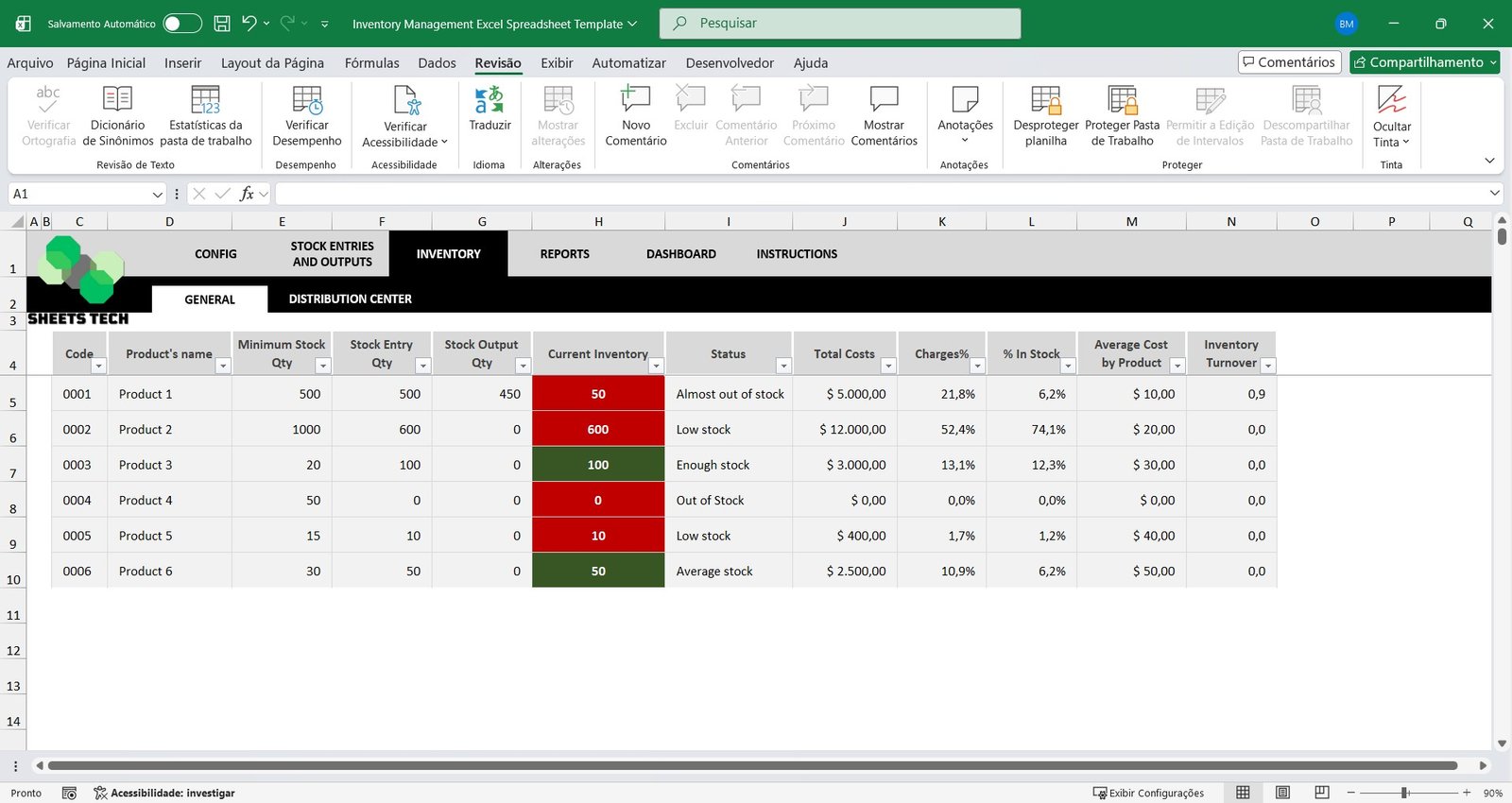
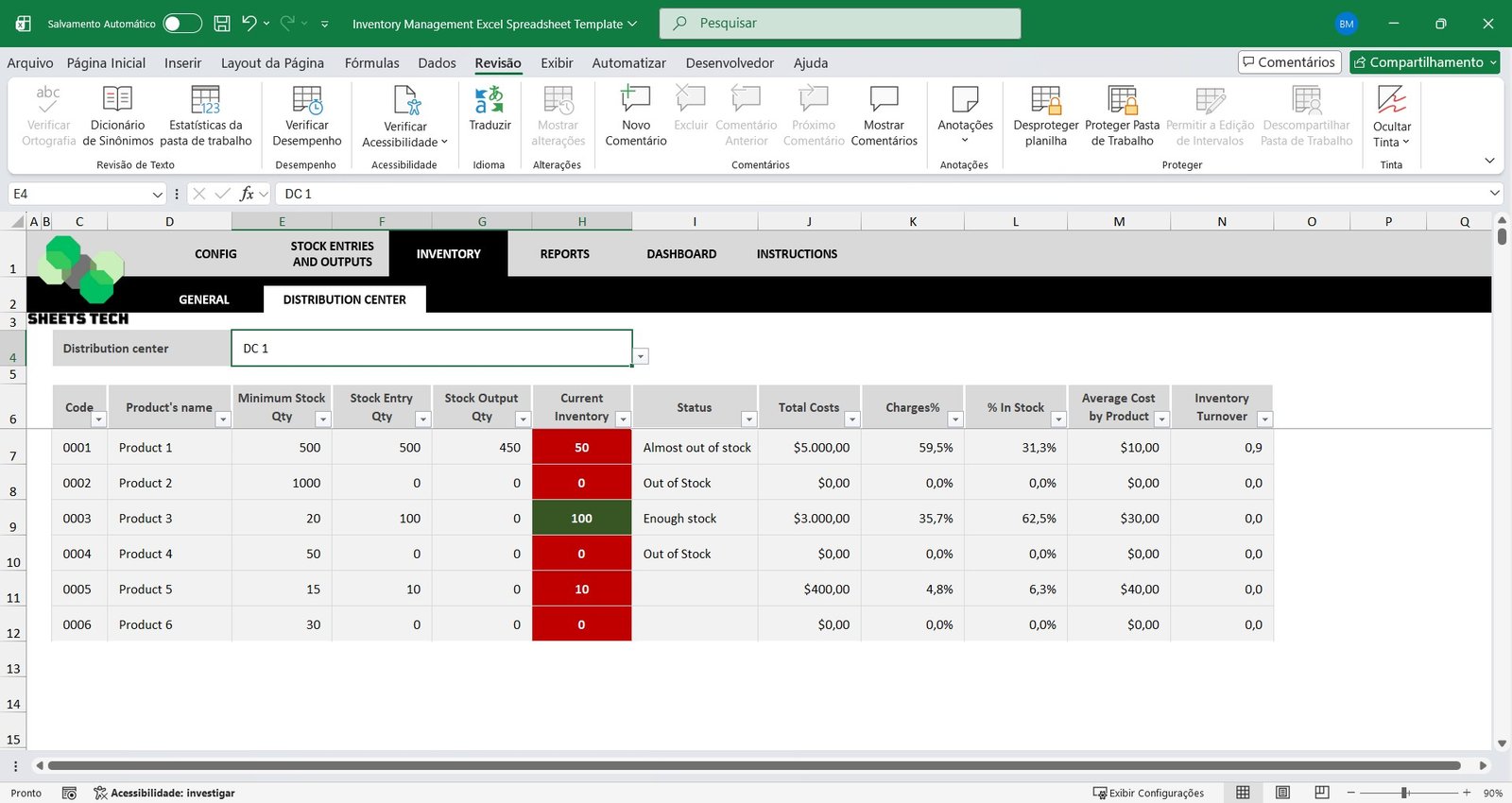
General Inventory Control
Perform accurate stock verification and monitor the consistency between recorded and actual quantities. A well-structured inventory control system in Excel is essential to reduce losses and improve operational efficiency.
Distribution Center Inventory Analysis
Analyze each warehouse individually while also maintaining a consolidated overview. This feature ensures better warehouse management and more strategic decision-making.
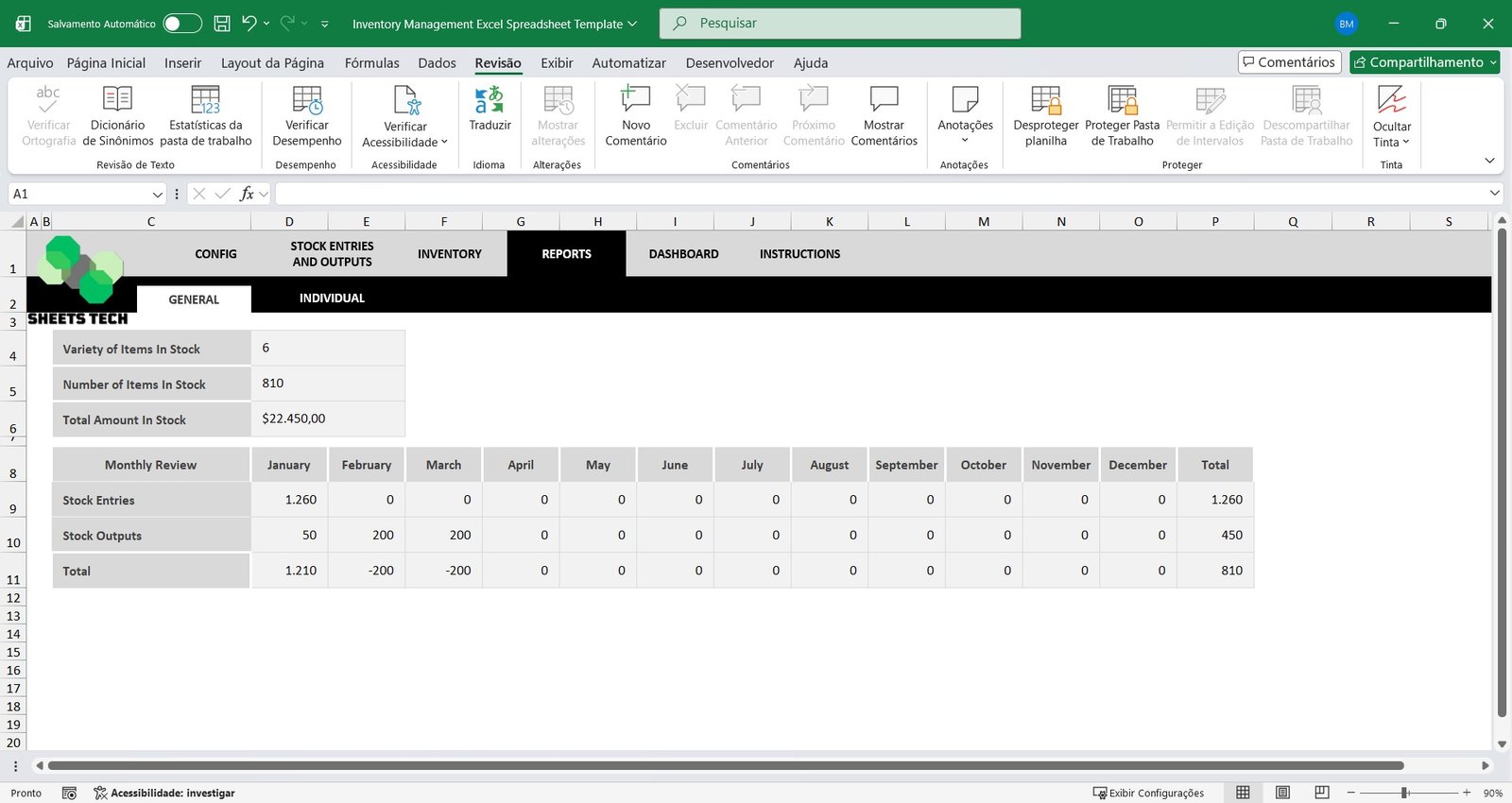
General Stock Report
Access monthly reports showing:
- Total entries and exits
- Total quantity of products in stock
- Consolidated inventory balance
- Total market value of inventory
Ideal for businesses seeking improved inventory valuation and reporting in Excel.
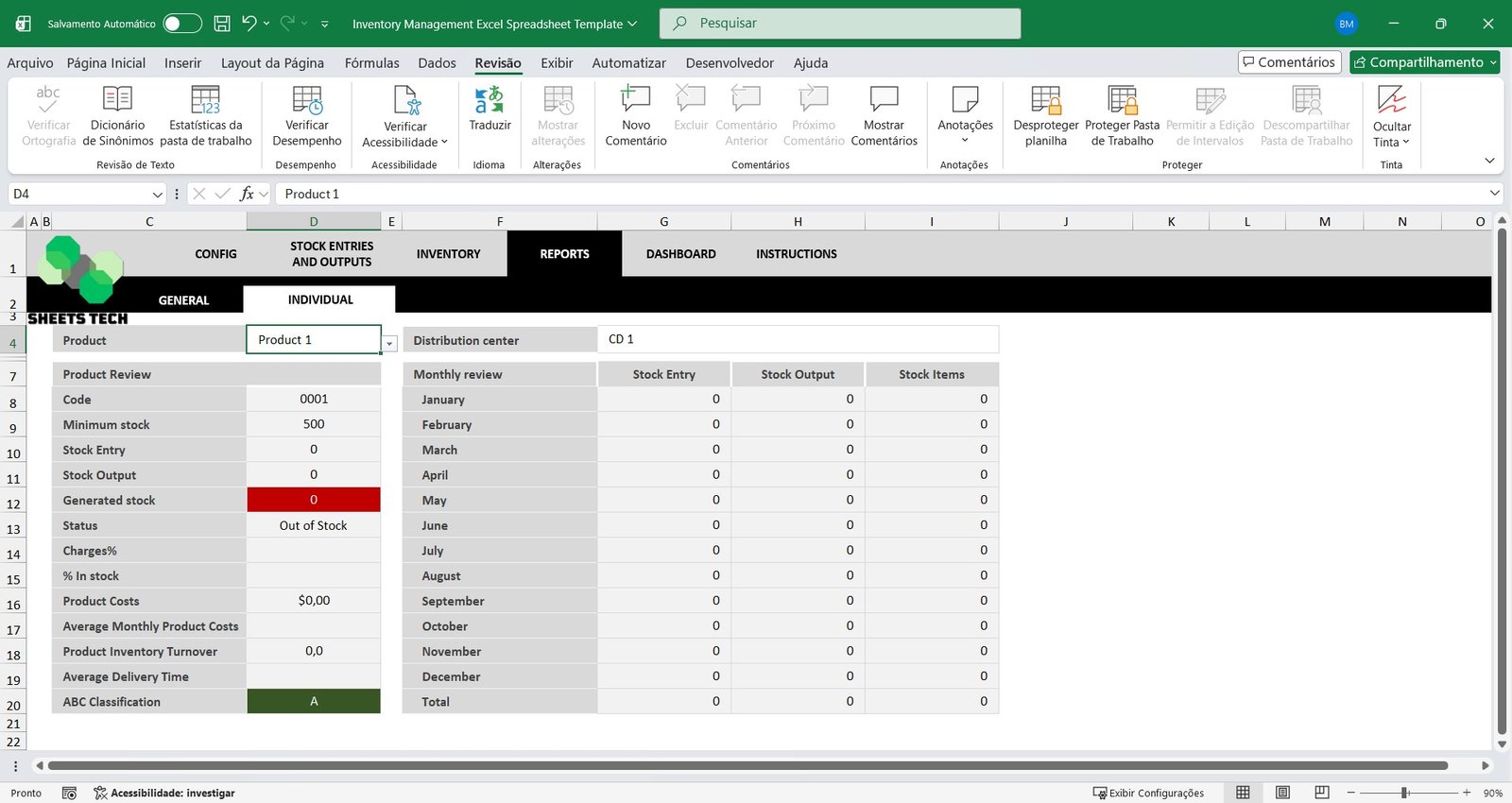
Individual Product Analysis
Evaluate each product separately with key performance indicators such as:
- Current stock quantity
- Item status
- Movement history
- Inventory turnover rate
Make smarter decisions based on detailed product-level inventory analysis.
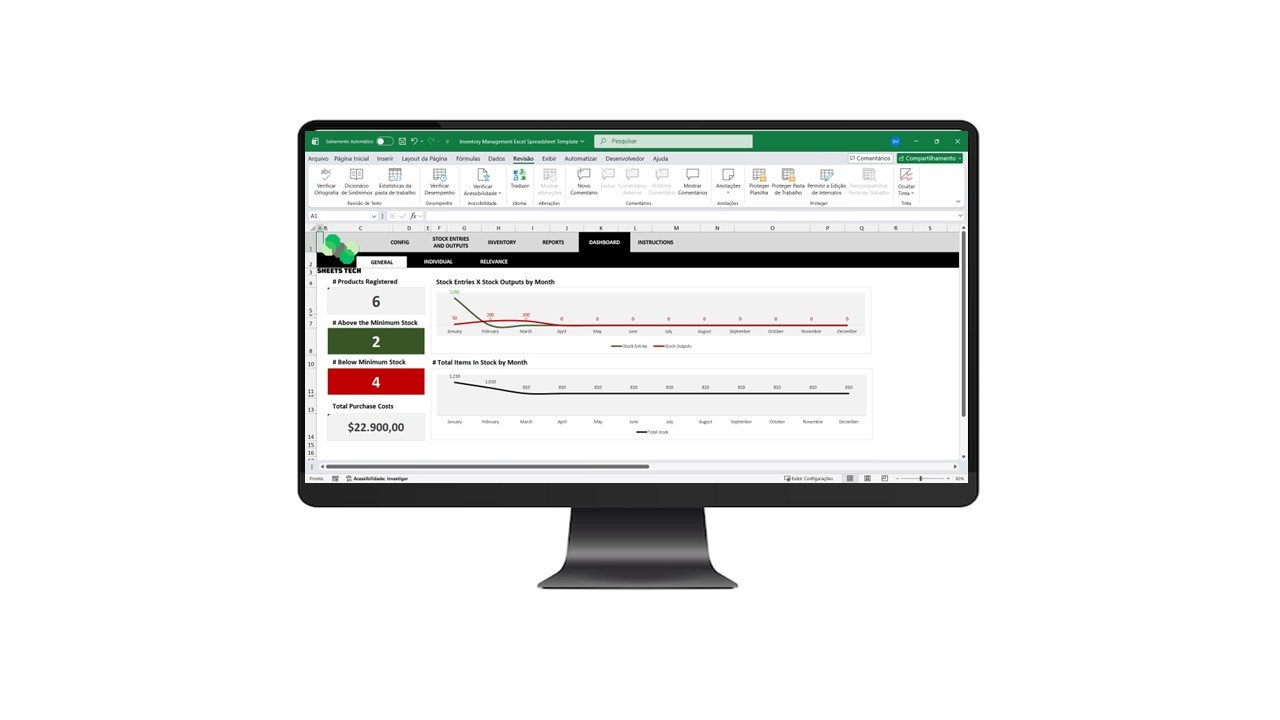
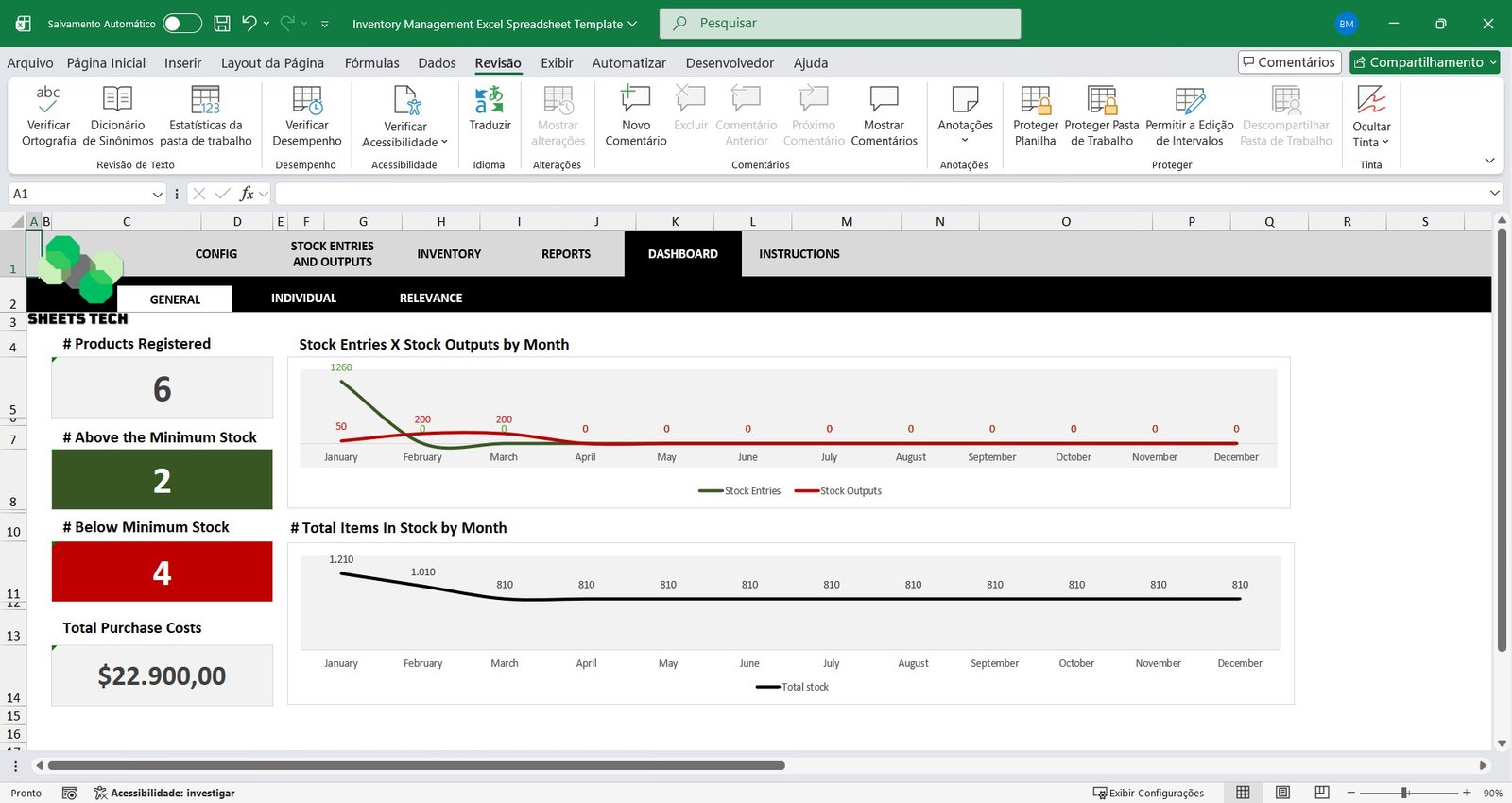
Stock Dashboard & Performance Indicators
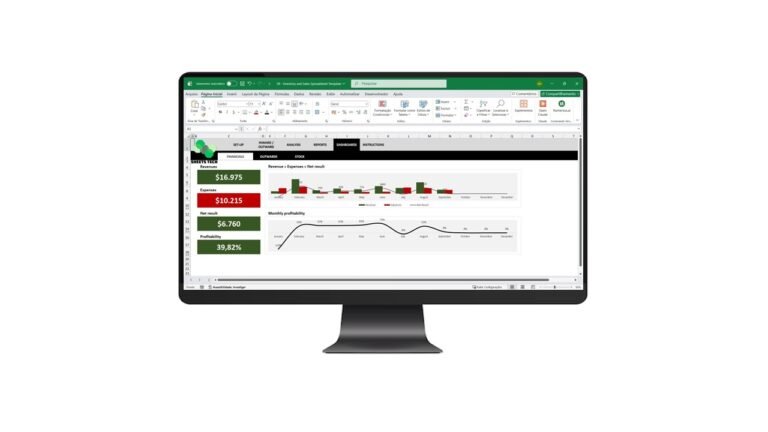
The spreadsheet includes ready-made dashboards with:
- Visual charts and graphs
- Key inventory KPIs
- Stock performance indicators
Easily monitor your inventory performance in Excel with clear and professional visualizations.
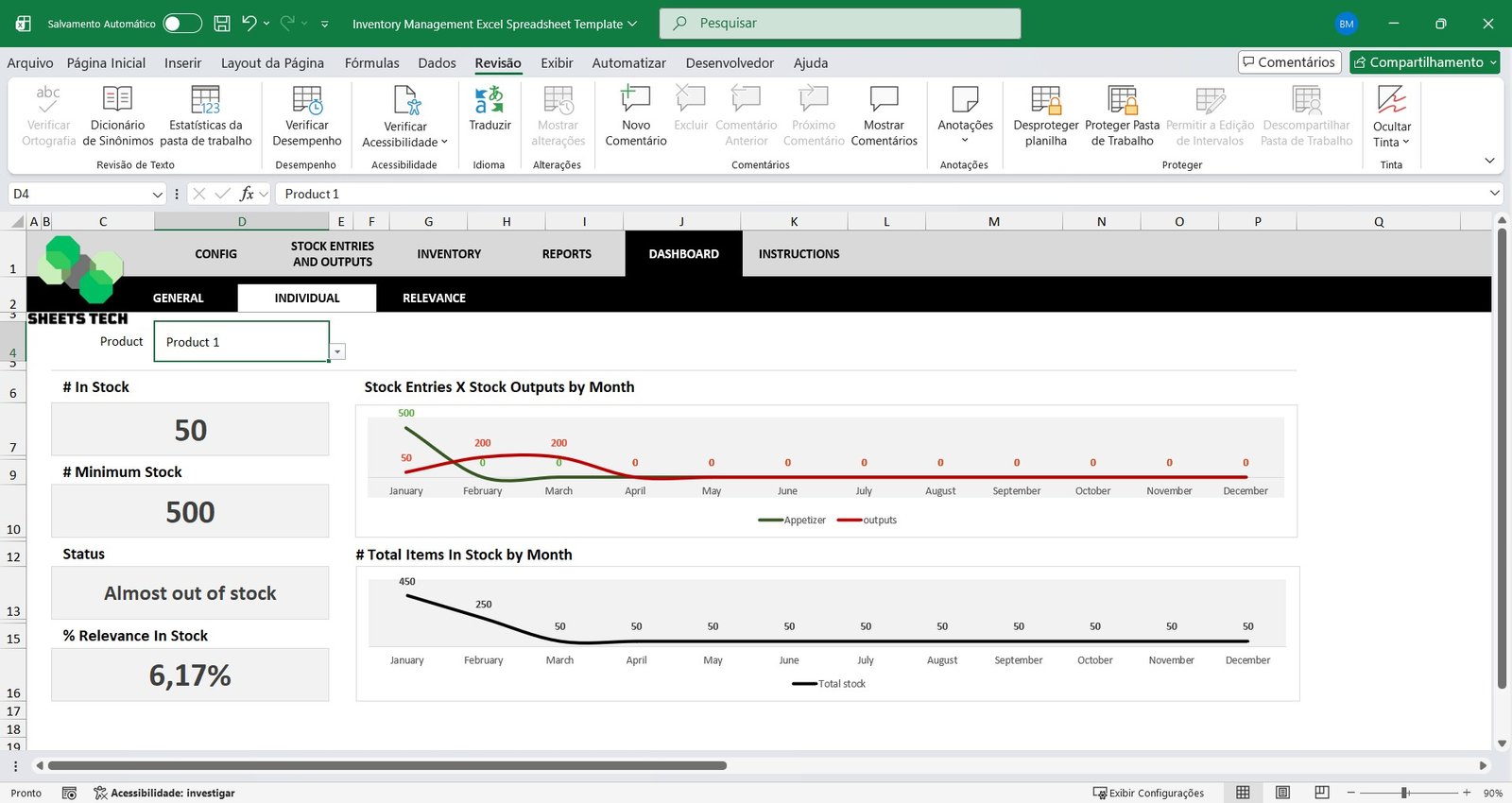
Dashboard by Product
Select a specific product and instantly access:
- Detailed metrics
- Movement history
- Performance charts
Perfect for deep product performance analysis.
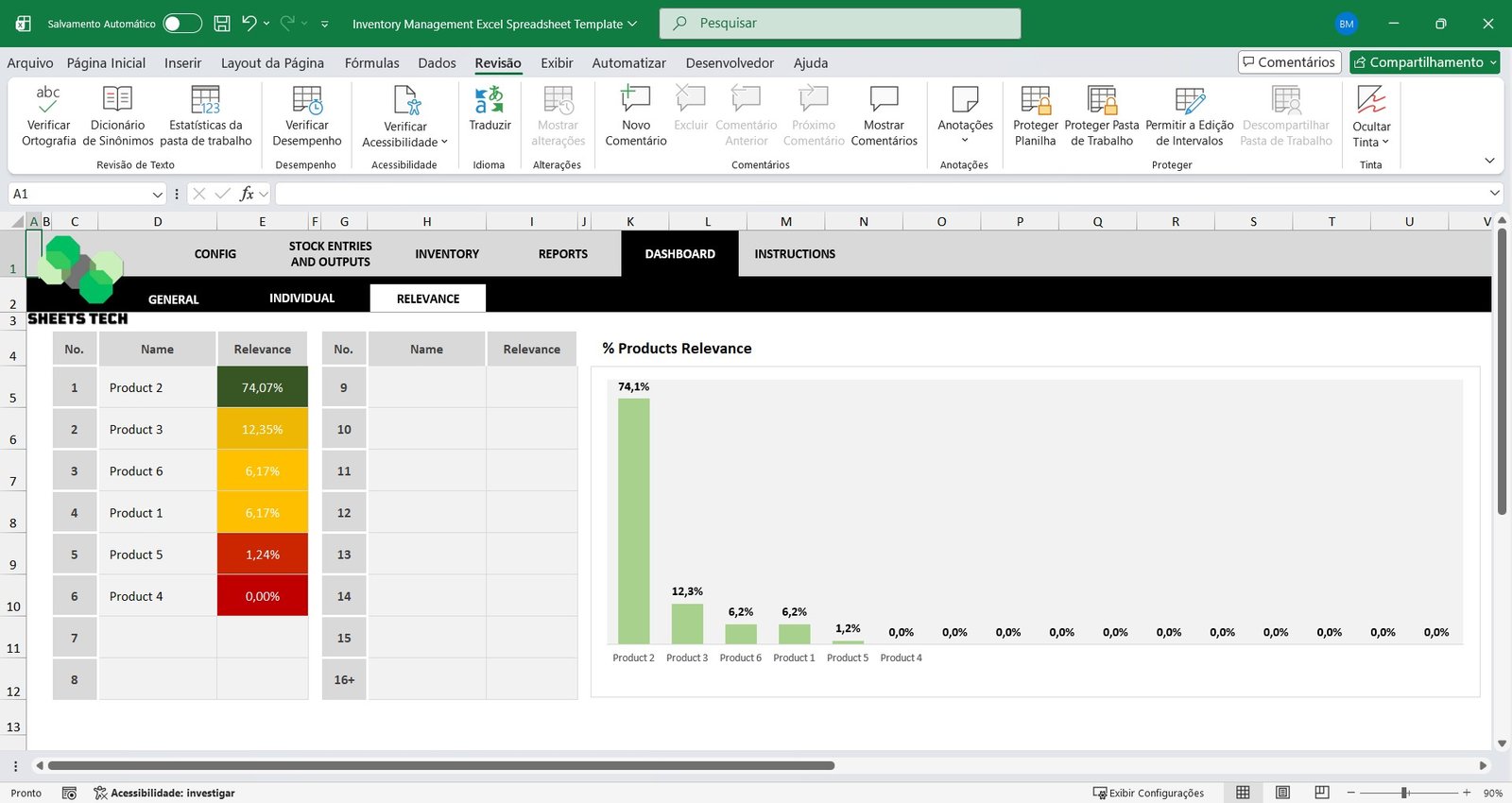
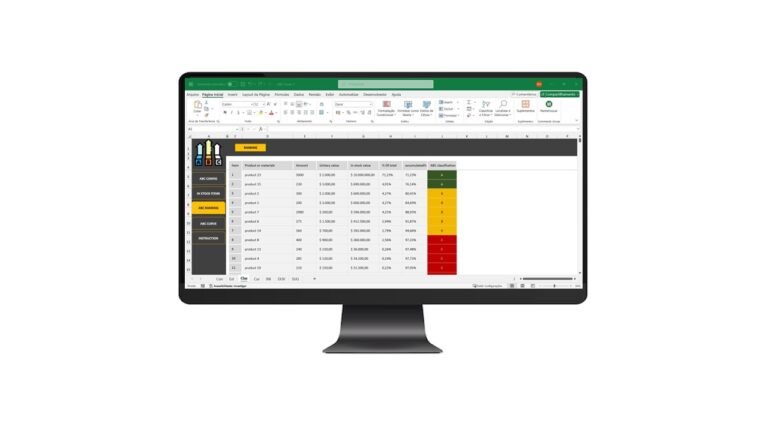
Product Relevance Dashboard
Automatically identify the most relevant and high-impact products in your inventory. This feature supports strategic planning, purchasing decisions, and stock optimization.
Ideal For:
- Small and medium-sized businesses
- Retail and wholesale companies
- Companies with multiple warehouses
- Businesses seeking better stock control in Excel
Optimize your stock management, reduce losses, and improve profitability with this complete Inventory Management Excel Spreadsheet Template — a professional and practical solution for total inventory control.
Watch the video about the Inventory Management Excel Spreadsheet Template
Frequently Asked Questions (FAQ)
How many products, suppliers and professionals can I register?
You can register up to 1,000 products, up to 2,000 suppliers and up to 200 professionals.
Can I manage more than one distribution center?
Yes. You can register multiple distribution centers and create internal storage locations to centralize inventory data from different physical locations.
What does the general stock report show?
It shows the total entries and exits, the total quantity of products in stock, the consolidated inventory balance and the total market value of the inventory.
Is this a one-time purchase?
Yes. It is a one-time payment with no monthly fees, and you can use the spreadsheet with no time limit.
Is support included after purchase?
Yes. After your purchase you get a video tutorial and support on WhatsApp to answer questions about using the spreadsheet.
Get Your Inventory Management Excel Spreadsheet Template Today
Start using this spreadsheet right away. It is a one-time payment, and you get instant access to your file after purchase.