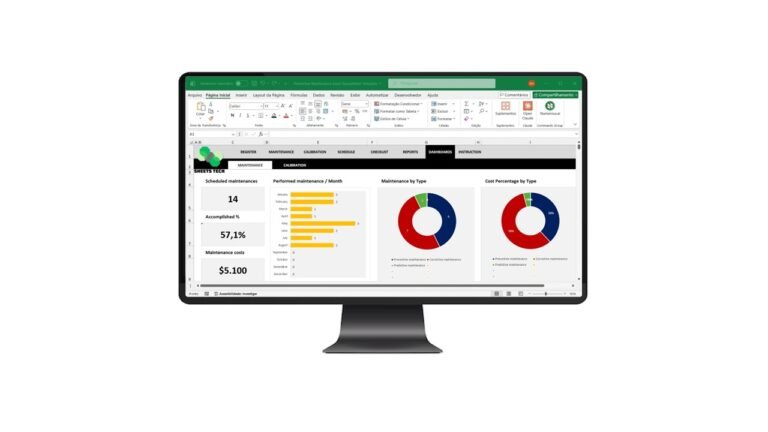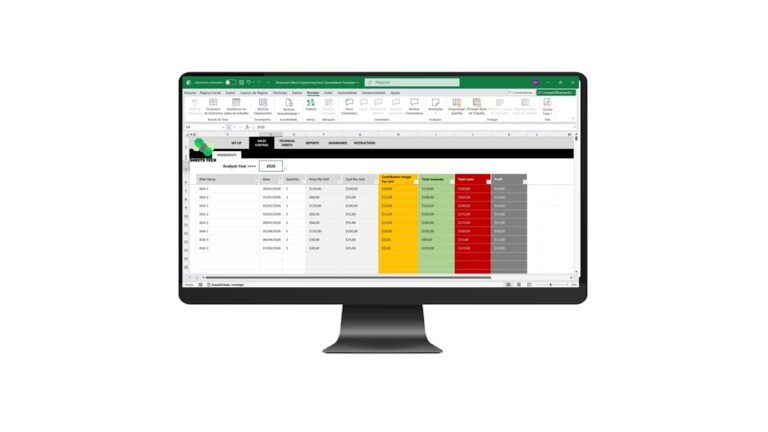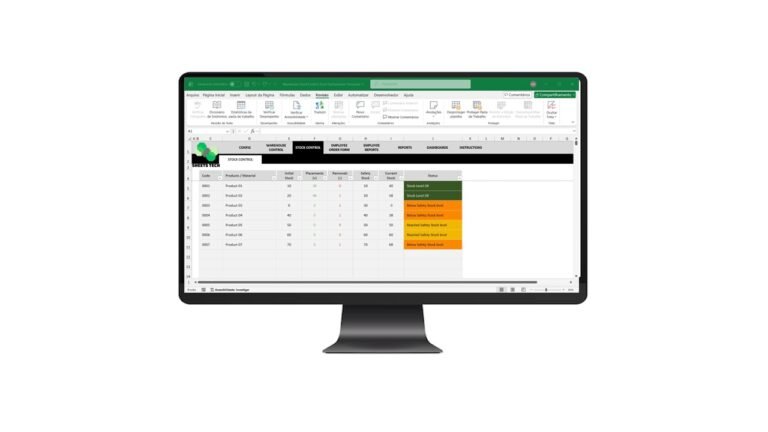
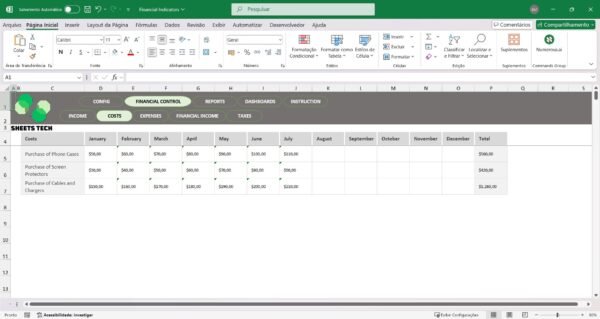
Managing a business’s financial health is no small feat, and that’s where a Financial Indicators Excel Spreadsheet Template comes into play. This user-friendly tool can help you track vital financial metrics, ensuring you’re always in the know about your company’s performance.
Why You Need a Financial Indicators Excel Spreadsheet
In today’s fast-paced business world, keeping track of financial indicators is crucial for success. A Financial Indicators Excel Spreadsheet Template can streamline this process by offering an intuitive platform for monitoring key metrics. Whether you’re tracking profit margins or assessing liquidity, this template can make your financial analysis more efficient and effective.
Key Financial Indicators to Monitor
When managing finances, you need a clear understanding of several critical indicators:
- Profit Margin: Measures how much profit a company makes for every dollar of sales.
- Current Ratio: Assesses a company’s ability to pay short-term liabilities with short-term assets.
- Debt-to-Equity Ratio: Compares a company’s total liabilities to its shareholder equity.
- Return on Equity (ROE): Indicates how effectively management is using a company’s assets to create profits.
Each of these indicators provides insights into different aspects of financial health, helping you make informed decisions.
Overcoming Common Financial Management Challenges
Many businesses struggle with financial management due to:
- Lack of Clear Data: Without organized data, identifying trends becomes challenging.
- Time Constraints: Manually tracking financial indicators is time-consuming.
- Complexity of Metrics: Understanding complex financial terms can be daunting.
A well-structured Financial Indicators Excel Spreadsheet Template addresses these challenges by simplifying data collection and analysis.
How SheetsTech Can Simplify Your Financial Tracking
SheetsTech offers a complete tool that not only simplifies tracking but also enhances accuracy. This downloadable spreadsheet is designed to help you manage financial indicators seamlessly, allowing you to focus on strategic decisions rather than data entry.
Benefits of Using SheetsTech’s Financial Template
- User-Friendly Interface: Easy to navigate, even for those new to financial analysis.
- Comprehensive Data Tracking: Covers all essential financial indicators.
- Time-Saving Automation: Reduces manual data input, freeing up time for other tasks.
- Customizable Features: Tailor the template to your specific business needs.
FAQ: Common Questions About Financial Indicators
Q: How often should I update my financial indicators?
A: It’s best to update these metrics monthly to ensure accurate tracking and timely decisions.
Q: Can this template be used by small businesses?
A: Absolutely! The template is versatile enough for businesses of all sizes.
Conclusion: Take Control of Your Financial Future
Incorporating a Financial Indicators Excel Spreadsheet Template into your financial strategy can be a game-changer. By utilizing the SheetsTech tool, you can unlock valuable insights and drive your business towards greater success.
See Also:
Boost your results with these other tools: – Fitness Center Management Excel Spreadsheet Template – Car Rental Excel Spreadsheet Template – Inventory Management Excel Spreadsheet Template