Managing finances can often feel daunting, but with the right tools, like a Cash Flow Statement Excel, you can simplify the process and gain clear insights into your financial health. Whether you’re a business owner or managing personal finances, understanding cash flow is crucial for making informed decisions and ensuring stability.
Understanding Cash Flow Statements
A cash flow statement is a financial document that provides insights into the cash generated and used by a business over a specific period. It helps highlight the company’s liquidity, solvency, and financial flexibility, enabling better budgeting and forecasting.
Why Use Excel for Cash Flow Statements?
Excel is a powerful tool for creating cash flow statements because:
- Customization: Tailor templates to your specific needs.
- Automation: Use formulas to automate calculations, reducing errors.
- Visualization: Easily create charts and graphs for better data interpretation.
How to Create a Cash Flow Statement in Excel
Creating a cash flow statement in Excel involves several steps:
Step 1: Define Cash Flow Categories
Identify and categorize cash inflows and outflows. Common categories include:
- Operating Activities: Day-to-day business operations.
- Investing Activities: Purchases and sales of long-term assets.
- Financing Activities: Debt, equity, and dividends.
Step 2: Input Data
Enter historical financial data into your Excel sheet, ensuring accuracy. Use separate tabs for each category to maintain clarity.
Step 3: Use Formulas for Calculations
Apply Excel formulas to calculate net cash flow for each category. Sum these to get the total net cash flow.
Step 4: Analyze the Results
Interpret the results to understand your cash position. Identify patterns and areas for improvement.
The Solution: SheetsTech’s Cash Flow Statement Excel
If creating a cash flow statement from scratch seems overwhelming, SheetsTech’s Cash Flow Statement Excel is a comprehensive solution designed to simplify the process.
Key Features of SheetsTech’s Tool
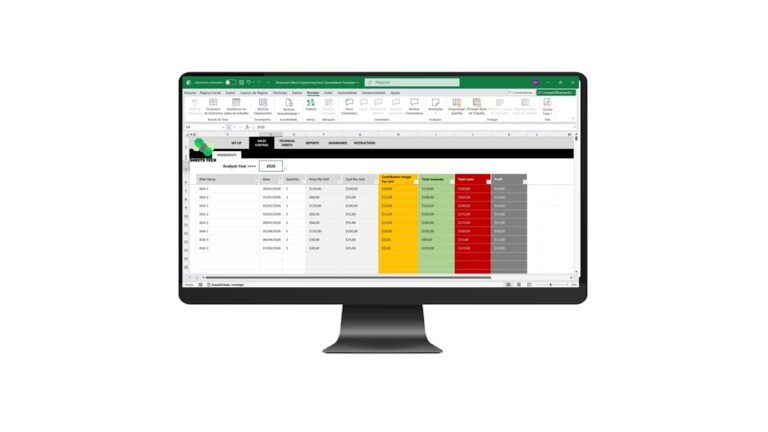
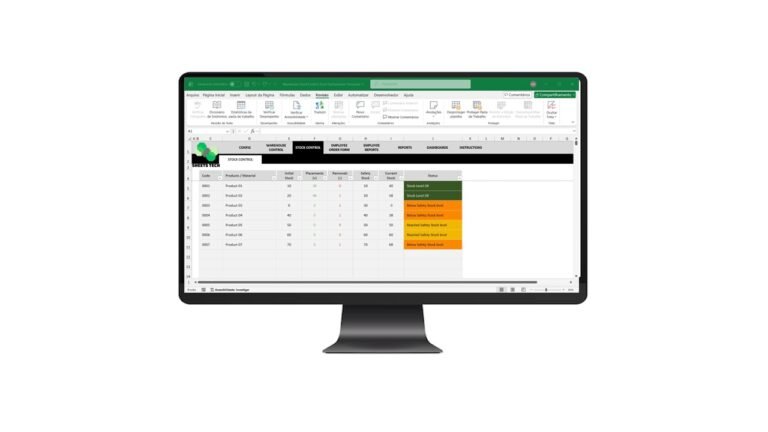
- Pre-Designed Templates: Easy to use, with minimal setup required.
- Automated Calculations: Reduces manual errors.
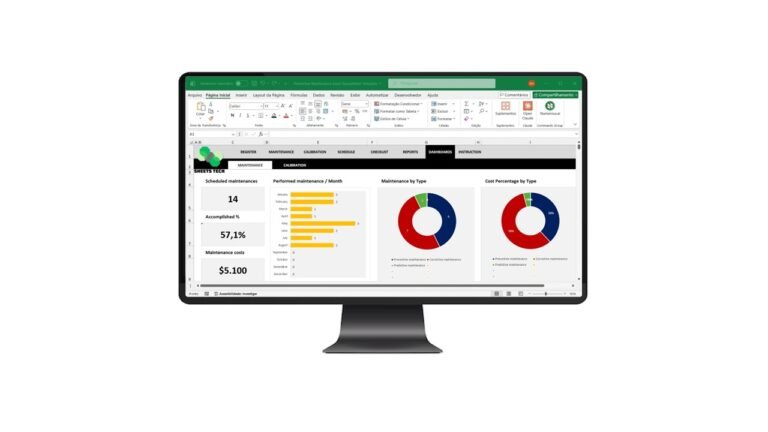
- Visual Dashboards: Gain insights at a glance.
- Customizable: Adjust according to your business needs.

Explore the complete tool and transform your financial management.
Benefits of Using SheetsTech’s Cash Flow Statement Excel
- Time-Saving: Focus on analysis rather than data entry.
- Accuracy: Built-in checks and balances to ensure data reliability.
- Professional Reports: Impress stakeholders with clear, professional financial reports.
- Flexibility: Adaptable to various industries and business sizes.
Frequently Asked Questions
Can I Customize the Templates?
Yes, the template from SheetsTech allows full customization to fit your unique business requirements.
Is There Support Available?
Absolutely. SheetsTech provides comprehensive support to help you maximize the tool’s potential.
Conclusion

A Cash Flow Statement Excel is not just a financial document; it’s a roadmap to better financial health. By utilizing SheetsTech’s Cash Flow Statement Excel, you streamline the process, gain valuable insights, and make informed financial decisions.
Boost your financial management today by downloading the complete tool.
See Also
Boost your results with these other tools:
- Financial Indicators Excel Spreadsheet Template
- Car Rental Excel Spreadsheet Template
- Financial Management Excel Spreadsheet Template for Churches