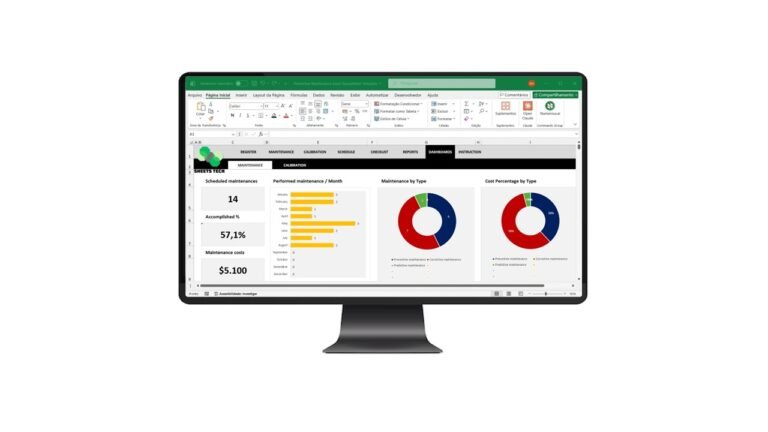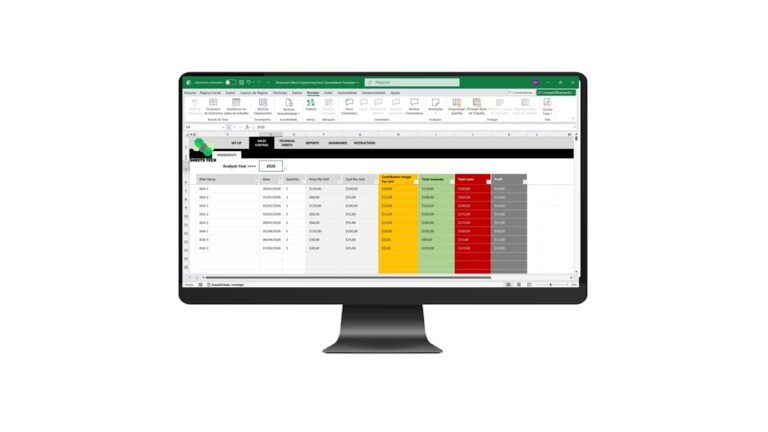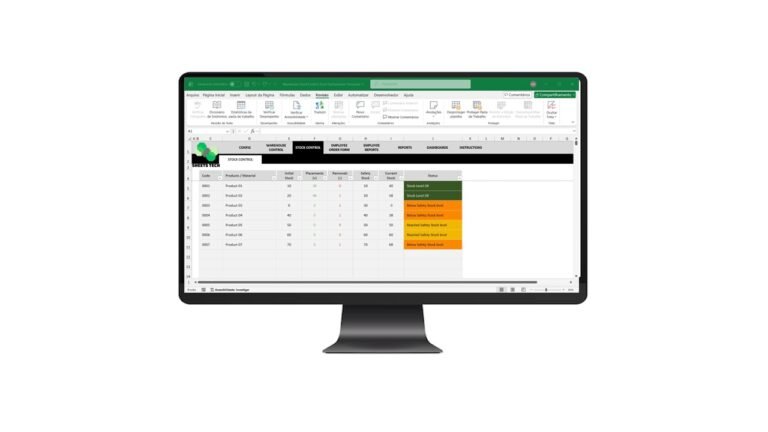
Managing inventory efficiently is crucial for any business aiming to maximize profits and minimize losses. An Inventory Management Excel Spreadsheet Template can be the game-changer you’ve been searching for. This tool not only streamlines your inventory tracking but also helps in making data-driven decisions that enhance your bottom line.
Why Inventory Management Matters
Inventory management is the backbone of efficient business operations. Poor management can lead to stockouts or overstocking, both of which can hurt your business. Here’s why using an Excel template can revolutionize your approach:
- Accuracy: Excel templates reduce manual errors, ensuring your data is precise.
- Efficiency: Automate repetitive tasks and focus on growth.
- Cost Savings: Avoid excess inventory and reduce holding costs.
Common Inventory Challenges
Businesses often face challenges such as:
- Inaccurate Inventory Records: Leads to poor decision-making.
- Stockouts and Overstocking: Affects customer satisfaction and cash flow.
- Time-Consuming Processes: Manual tracking is labor-intensive.
Addressing these issues is vital for business sustainability. An efficient template can help you overcome these problems.
Features of an Ideal Inventory Management Excel Template
An effective template should offer:
- User-Friendly Interface: Easy to navigate for all team members.
- Comprehensive Data Fields: Capture all essential inventory details.
- Real-Time Updates: Ensure data is always current.
The Solution: SheetsTech Inventory Management Template
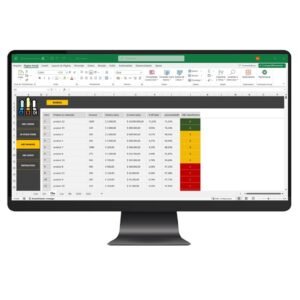
For a reliable solution, the SheetsTech Inventory Management Excel Spreadsheet Template is the perfect tool. Here’s why it’s a game-changer:
- Download the Spreadsheet: Get started with a straightforward setup.
- Complete Tool: Offers everything from tracking to reporting.
- View Template: Gain insights into your inventory at a glance.
Using this complete tool ensures that your inventory management is both efficient and effective.
Benefits of Using SheetsTech’s Template
- Improved Accuracy: Reduces data entry errors.
- Time-Saving: Speeds up inventory management processes.
- Enhanced Decision Making: Provides clear insights for better strategies.
Frequently Asked Questions
How does the SheetsTech template improve inventory accuracy?
The template automates calculations and updates, minimizing human error and ensuring real-time accuracy.
Is the template customizable?
Yes, you can tailor the view template to suit your specific business needs.
What support is available with the template?
SheetsTech offers comprehensive support and guides to help you maximize the tool’s potential.
Conclusion
In conclusion, managing your inventory doesn’t need to be a daunting task. With the SheetsTech Inventory Management Excel Spreadsheet Template, you can streamline your processes, save time, and make better business decisions. Take the first step towards efficient inventory management today.
See Also: Boost Your Results with These Other Tools
- Restaurant Menu Engineering Excel Spreadsheet Template
- Fuel Control Worksheet Excel Template
- Risk Mapping William T. Fine Method Excel Spreadsheet Template