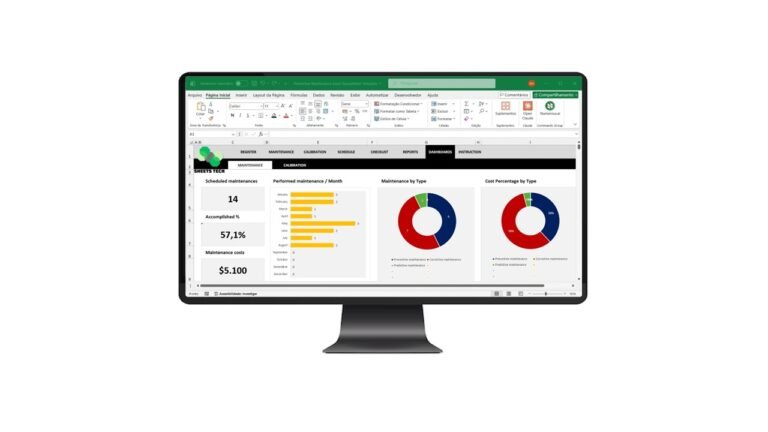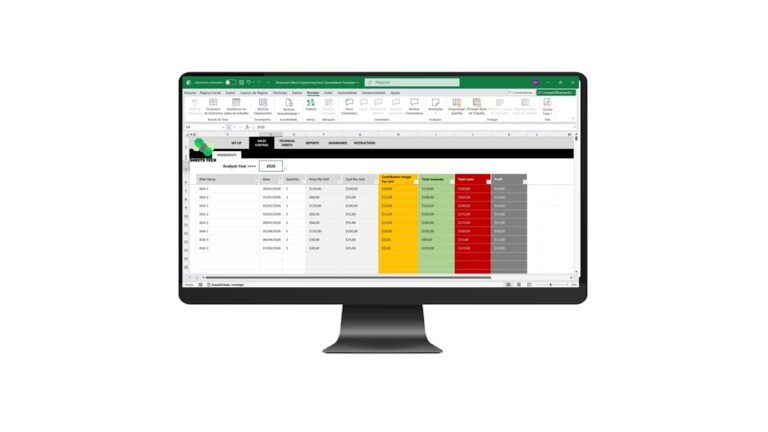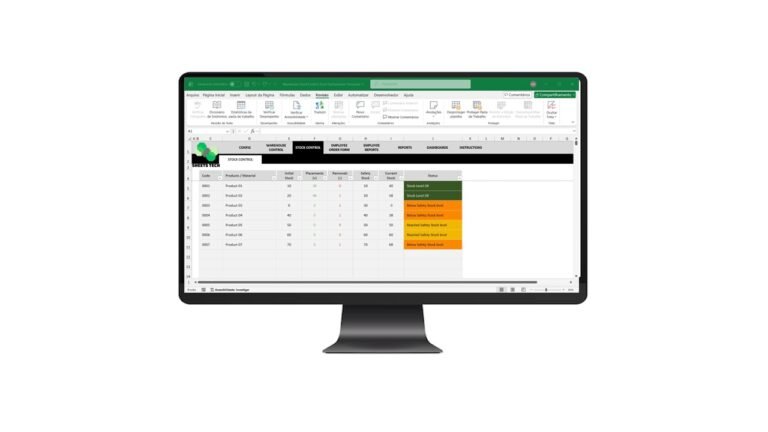
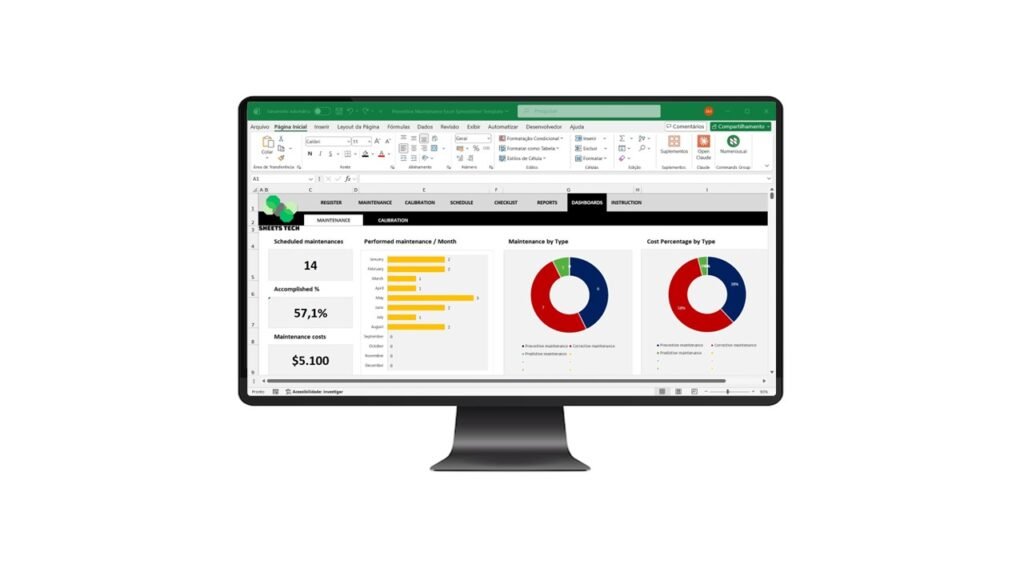
Maintaining equipment proactively is crucial for any business aiming to reduce downtime and extend asset life. A well-structured Preventive Maintenance Excel Spreadsheet Template is a powerful tool to achieve these goals. It helps track maintenance schedules, manage resources, and ensure all preventive tasks are completed on time. Let’s explore how you can leverage this template to streamline your maintenance processes and why SheetsTech offers the ultimate solution.
Why Use a Preventive Maintenance Spreadsheet?
Preventive maintenance is about anticipating potential issues before they become costly repairs. Here’s why an Excel spreadsheet is ideal for this task:
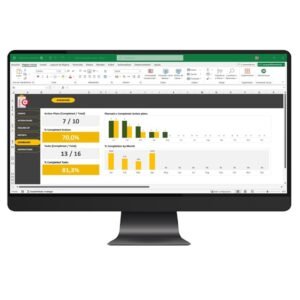
- Ease of Use: Excel’s intuitive interface allows anyone to manage maintenance tasks efficiently.
- Customization: Tailor the spreadsheet to fit your specific needs with minimal effort.
- Cost-Effective: Compared to specialized software, Excel templates are a budget-friendly option.
Common Maintenance Challenges
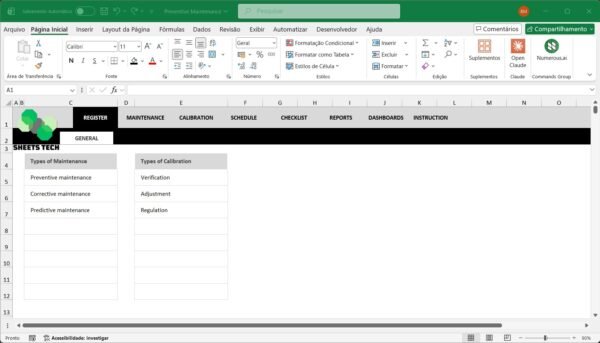
Every business faces unique maintenance challenges, such as:
- Tracking Multiple Assets: With numerous machines and tools, keeping track can become overwhelming.
- Scheduling Consistency: Ensuring maintenance is performed at regular intervals is vital for reliability.
- Resource Allocation: Efficiently allocating resources, including personnel and materials, prevents waste.
Streamline Your Maintenance with SheetsTech
For businesses looking for a comprehensive solution, the complete tool from SheetsTech offers an all-in-one approach. This template not only solves common maintenance challenges but also enhances operational efficiency.
Features of the SheetsTech Template
- Automated Scheduling: Easily set up and manage recurring maintenance tasks.
- Comprehensive Asset Management: Keep track of all your equipment and their maintenance history.
- User-Friendly Interface: Designed for simplicity, ensuring even non-tech-savvy users can navigate it effortlessly.
Discover how downloading the spreadsheet can transform your maintenance strategy.
Benefits of Using the SheetsTech Template
- Increased Equipment Lifespan: Regular maintenance prevents early wear and tear.
- Reduced Downtime: Proactive management minimizes unexpected breakdowns.
- Enhanced Safety: Well-maintained equipment reduces workplace accidents.
FAQ
Q: How often should I update the spreadsheet?
A: Regular updates are recommended after completing each maintenance task to ensure data accuracy.
Q: Can I integrate this template with other software?
A: Yes, Excel allows integration with various platforms, enhancing your data management capabilities.
Conclusion: Take Control of Your Maintenance
Incorporating a Preventive Maintenance Excel Spreadsheet Template into your workflow can significantly improve your maintenance operations. To experience these benefits firsthand, consider viewing the template. This tool is designed to simplify complex processes, giving you more time to focus on what truly matters.
See Also: Boost Your Results with These Other Tools
- Warehouse Stock Control Excel Spreadsheet Template
- Financial Indicators Excel Spreadsheet Template
- Risk Mapping William T. Fine Method Excel Spreadsheet Template