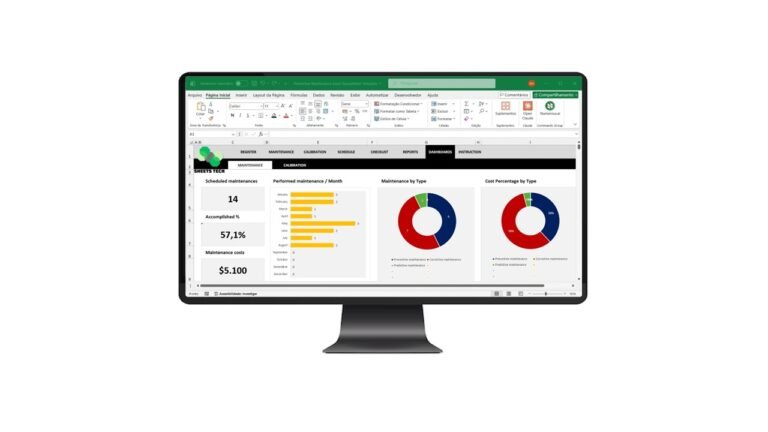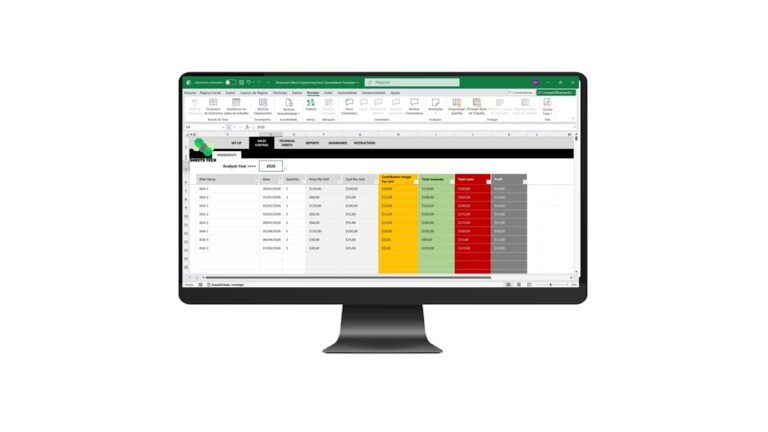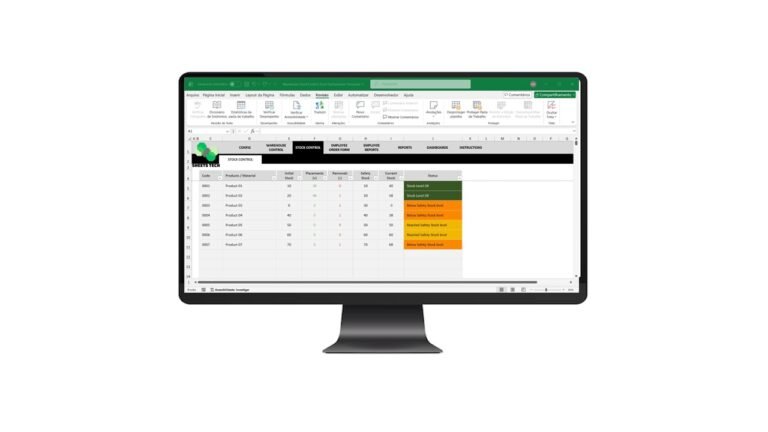
Managing document expiration dates can be a daunting task, but with the right tools, it becomes a breeze. Enter the Excel Document Expiration Template—a game-changer for ensuring you never miss an important deadline. Whether you’re managing contracts, licenses, or certifications, this tool provides an efficient way to stay organized and ahead of schedule.
Why Document Expiration Tracking Matters
Every business, big or small, handles documents with expiration dates. Missing these deadlines can lead to legal issues, lost revenue, or damaged reputation. That’s why it’s crucial to have a reliable system in place. An Excel Document Expiration Template helps you keep track of all your documents in one place, sending timely reminders so nothing slips through the cracks.
Common Challenges in Managing Expiry Dates
- Complexity of Monitoring: With numerous documents, manual tracking is prone to errors.
- Lack of Reminders: Forgetting dates due to lack of alerts.
- Inefficient Systems: Outdated methods that don’t integrate with modern workflows.
To overcome these challenges, a structured system like the Excel Document Expiration Template is essential.
How an Excel Document Expiration Template Solves These Issues
Streamlined Tracking
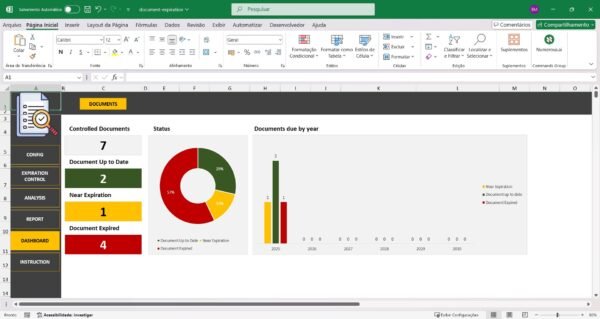
An Excel Document Expiration Template allows you to list all your documents along with their expiration dates in a single, easy-to-navigate spreadsheet. This template provides a clear overview, enabling you to prioritize and manage your documents effectively.
Automated Alerts
By setting up automated alerts, you ensure timely reminders about upcoming expirations. This proactive approach reduces stress and prevents overlooked deadlines.
Customization Flexibility
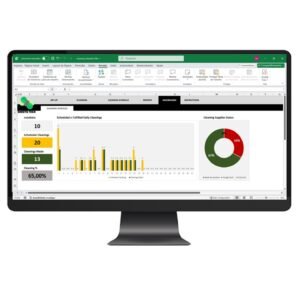
The template is highly customizable, allowing you to tailor it to your specific needs. You can add columns for additional information such as renewal costs or responsible personnel, thereby enhancing your document management strategy.
The Solution: SheetsTech’s Excel Document Expiration Template
SheetsTech offers a comprehensive Excel Document Expiration Template that simplifies the entire process. Designed for ease of use, this template helps you manage document expirations efficiently.
- Download the spreadsheet to start organizing your documents today.
- Use this complete tool to integrate alerts and reminders seamlessly.
- View the template here to explore its full capabilities.
Benefits of Using SheetsTech’s Template
- Ease of Use: User-friendly interface that requires no advanced Excel skills.
- Time-Saving: Automates reminder processes, freeing up valuable time.
- Reliability: Reduces the risk of human error with automated tracking.
- Customization: Adaptable to any field or industry requirements.
FAQ
How do I set up alerts in the template?
The template includes detailed instructions for setting up alerts. You can customize these alerts based on your needs.
Can I integrate this with other systems?
Yes, the template is designed to be flexible and can be integrated with other software solutions.
Is there support available if I encounter issues?
SheetsTech offers customer support to assist with any questions or setup issues you may encounter.
Conclusion
In conclusion, the Excel Document Expiration Template is an invaluable tool for any organization looking to streamline document management. Don’t let another important date slip by. Download the spreadsheet today and take control of your document expirations.
See Also:
Boost your results with these other tools:
- Financial Indicators Excel Spreadsheet Template
- Inventory and Sales Spreadsheet Template
- Cash Flow Statement Excel