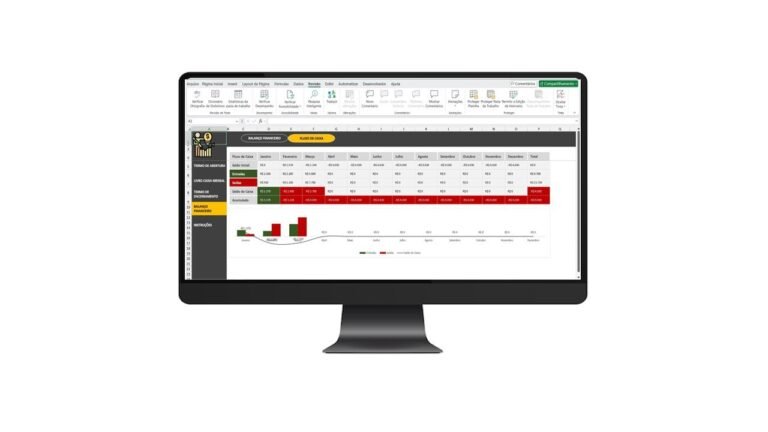
Excel Spreadsheet for Document Expiration Tracking
Keep Employee Documents Up to Date — Stay Compliant, Organized, and Stress-Free.
Managing document deadlines across your team can be overwhelming. Whether it's certifications, licenses, IDs, or training records — missing expiration dates can lead to serious compliance issues and costly penalties.
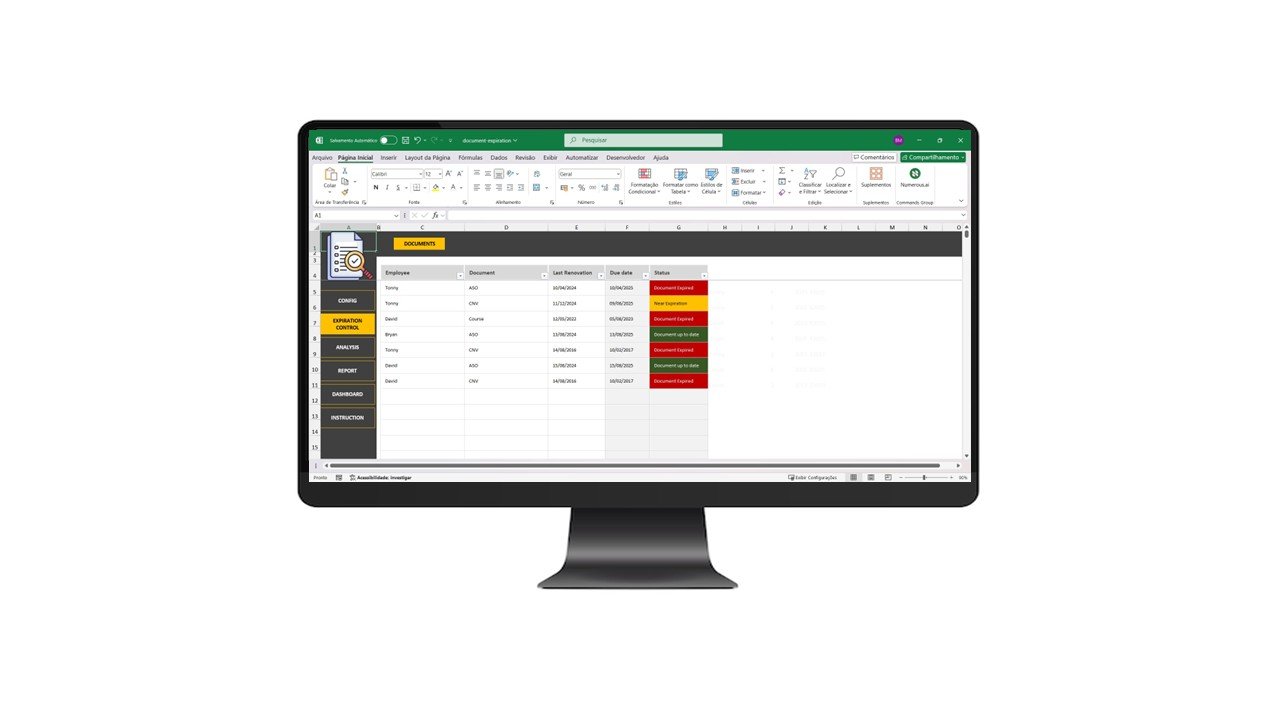
With our Document Expiration Tracking Spreadsheet for Excel, you get a simple, automated, and reliable way to control all your employee documentation in one place.
✅ What This Spreadsheet Does for You:
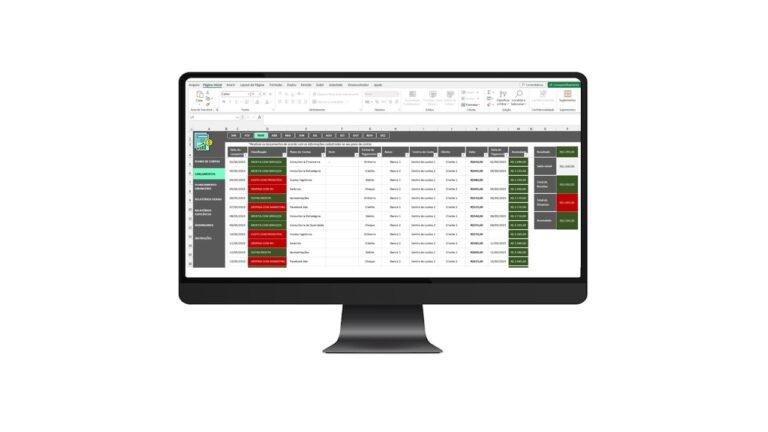
📋 1. Smart Document & Employee Registration
-
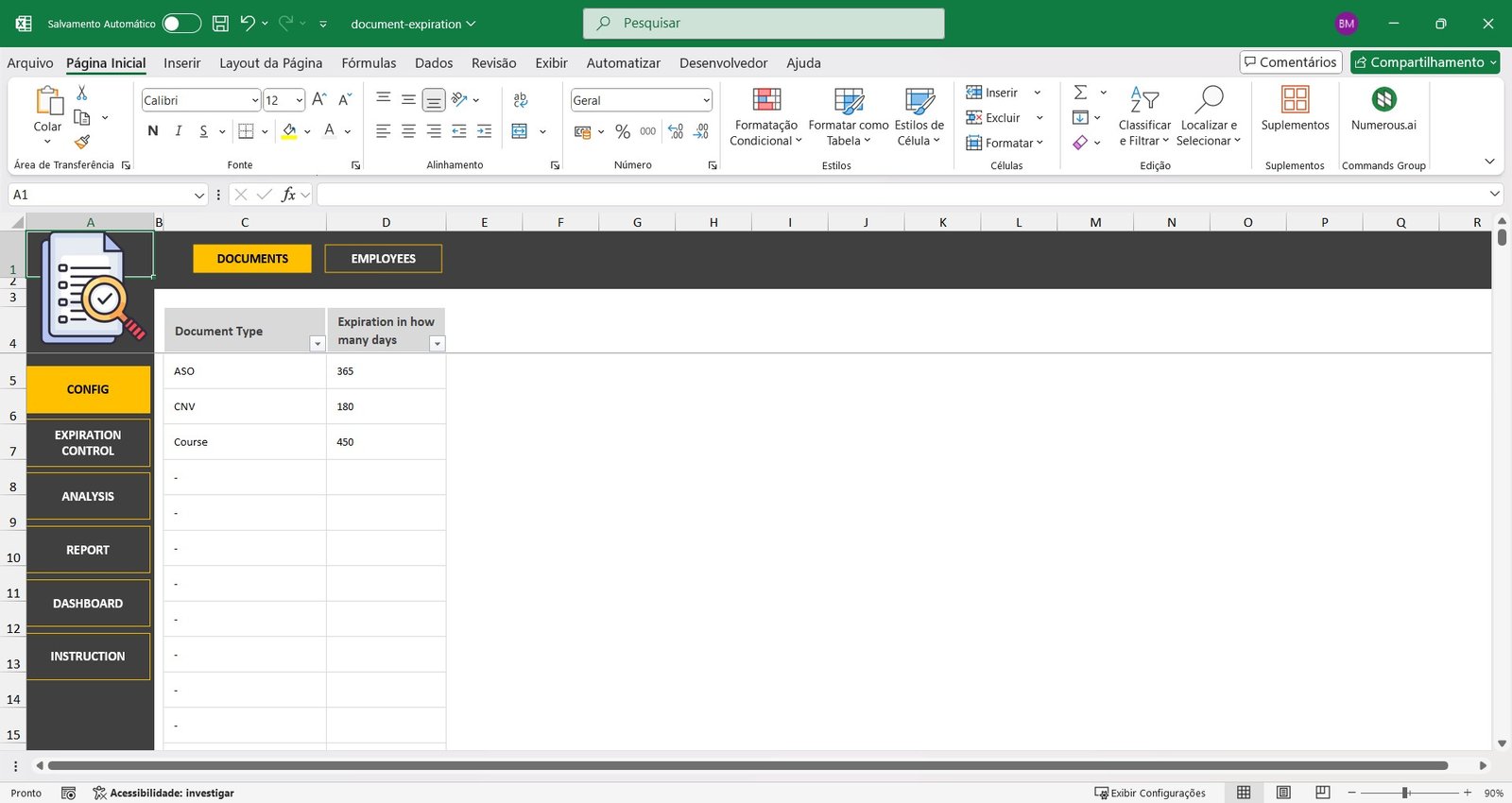
Easily register each type of document (e.g., driver’s license, training, medical exams)
-
Set how many days each document is valid after renewal
-
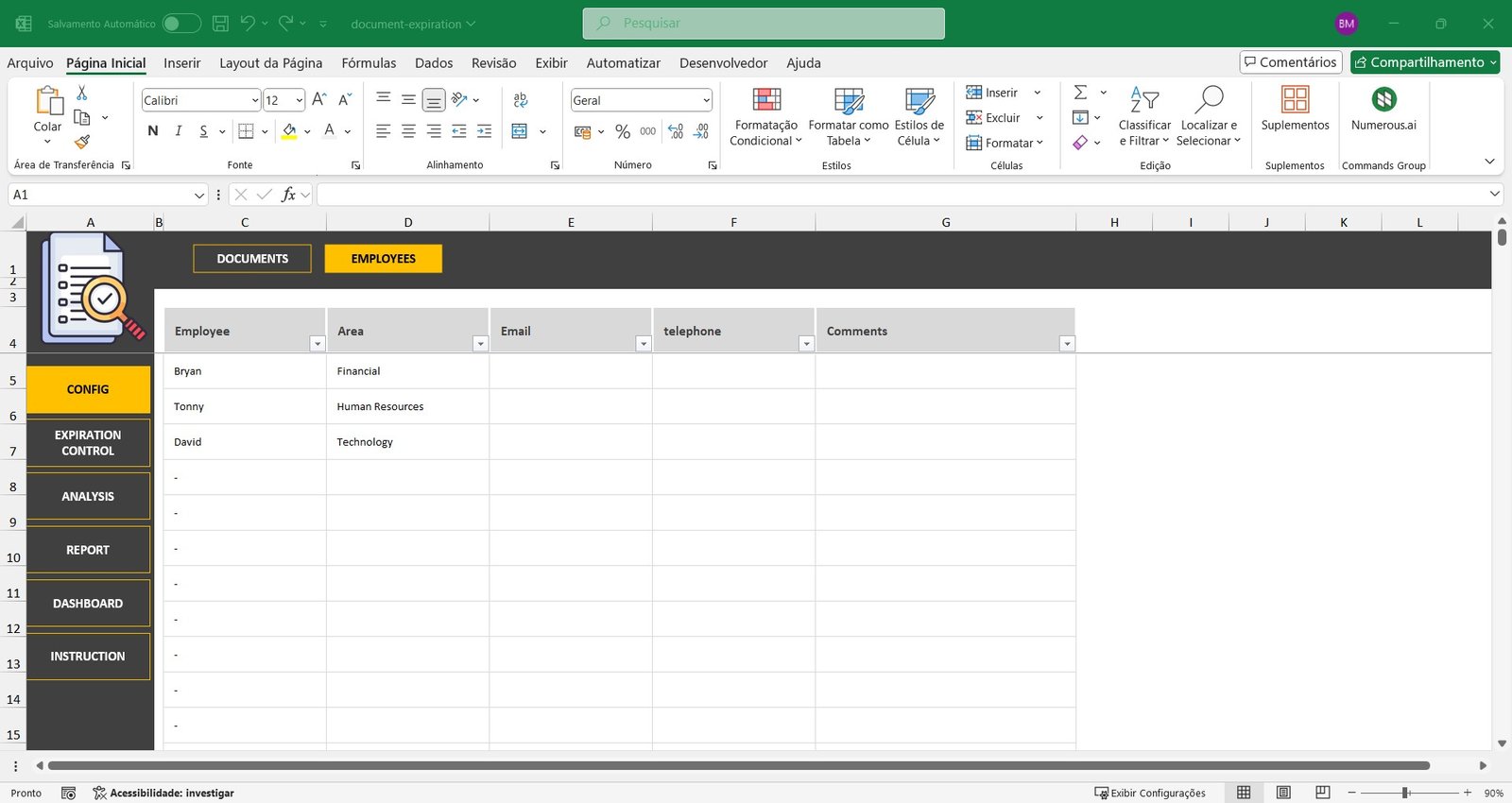
Add employee data: full name, department, email, phone number, and custom notes
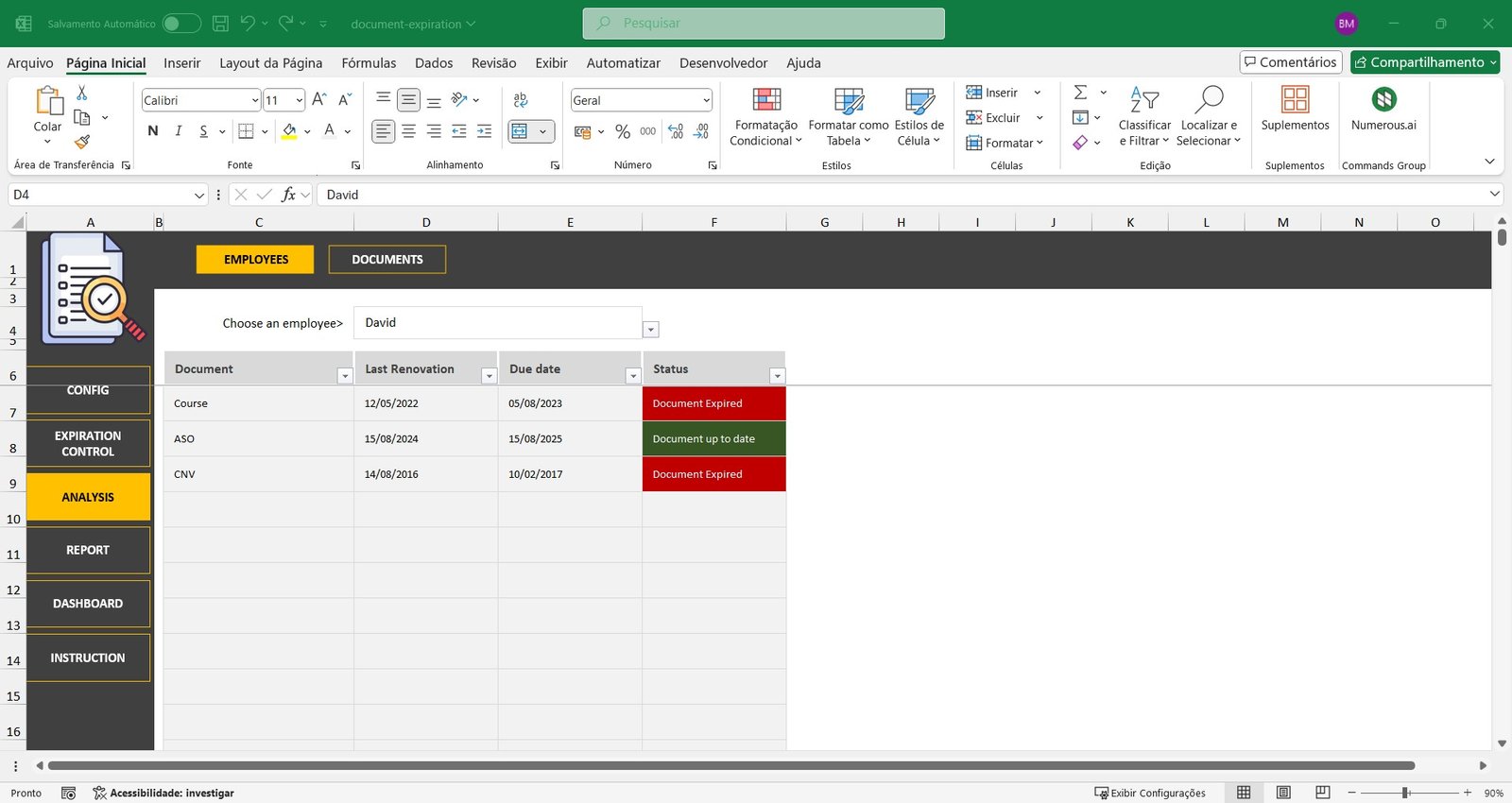
🧾 2. Automated Expiration Calculation
-
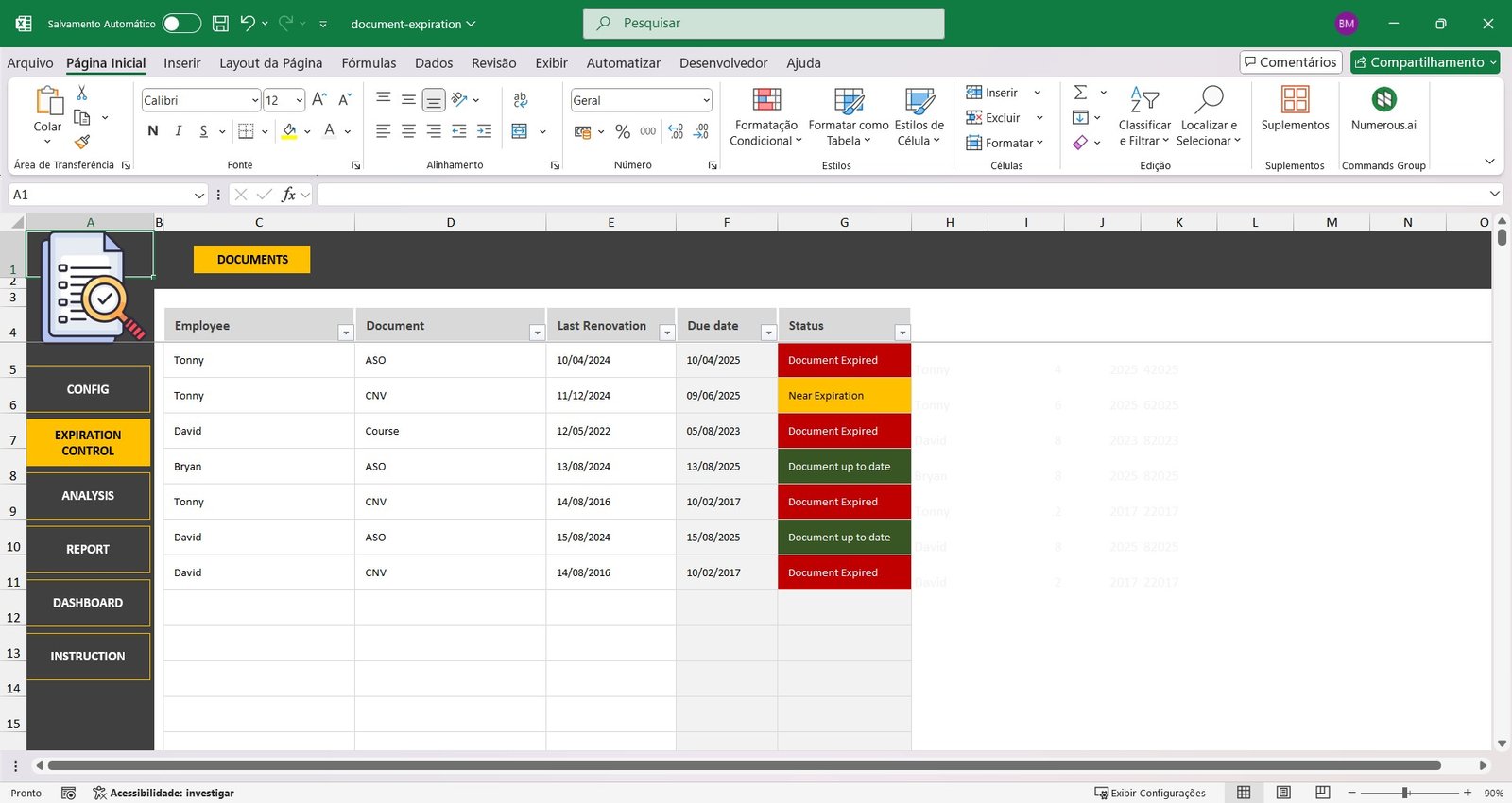
Select the employee and the document
-
Enter the last renewal date
-
The spreadsheet automatically calculates the expiration date and displays the status:
🔎 3. Advanced Filtering & Analysis
-
Filter by employee to see all their document statuses at once
-
Filter by document type to check which employees are compliant or at risk
-
Visual alerts help you prioritize what’s urgent
📆 4. Annual Reports with One Click
-
Select a year and get an automatic report:
-
Documents in good standing
-
Documents close to expiration
-
Documents already expired
-
Great for audits, compliance reviews, and internal control
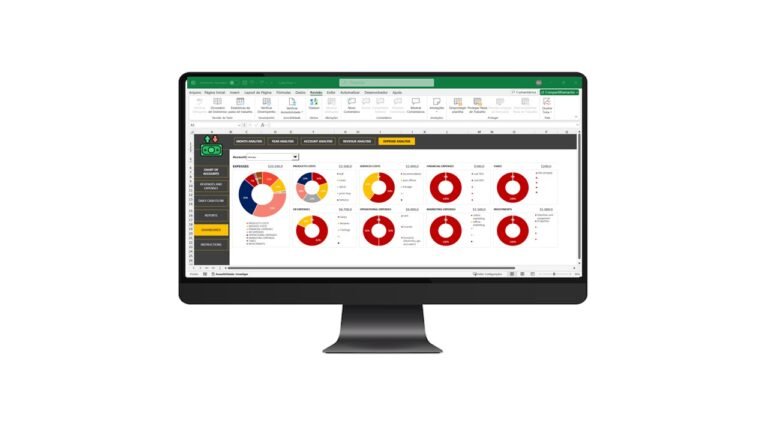
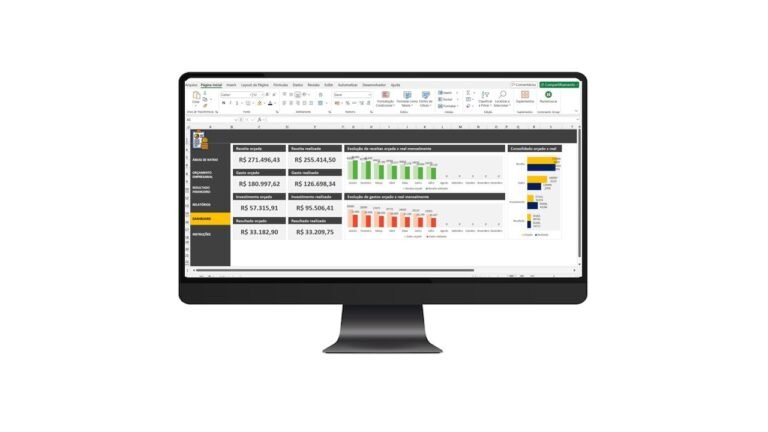
📊 5. Dynamic Dashboard
🎯 Who Is This Spreadsheet For?
This Excel template is perfect for:
-
HR and Compliance Departments
-
Health & Safety Managers
-
Small to Medium Business Owners
-
Logistics & Construction Companies
-
Healthcare Clinics and Schools
-
Contractors & Freelancers
💼 Why Choose Our Excel Document Tracker?
-
✔️ No monthly fees – one-time purchase
-
✔️ Fully automated – no formulas needed
-
✔️ Works with any version of Excel
-
✔️ 100% editable and customizable
-
✔️ Saves hours of manual work every month
-
✔️ Prevents legal issues and ensures compliance
-
✔️ Professional and easy to use – even for beginners
🛒 Ready to Get Started?
Download now and gain full control over your employee document workflow.
Avoid fines, missed deadlines, and stress — get compliant and stay ahead with one powerful Excel solution.
Watch the video about Document Expiration Control
Frequently Asked Questions (FAQ)
How does the spreadsheet know when a document expires?
You set how many days each document type is valid and enter the last renewal date. The spreadsheet then calculates the expiration date automatically.
Does it alert me about documents that are expiring?
Yes. It flags documents as Expiring Soon or Expired, with visual alerts that help you prioritize what is urgent.
Can I filter by employee or by document type?
Yes. You can filter by employee to see all of their document statuses, or by document type to see which employees need renewals.
Is this a one-time purchase?
Yes. It is a one-time payment with no monthly fees, and you can use the spreadsheet with no time limit.
Is support included after purchase?
Yes. After your purchase you get a video tutorial and support on WhatsApp to answer questions about using the spreadsheet.
Get Your Document Expiration Control Excel Spreadsheet Template Today
Start using this spreadsheet right away. It is a one-time payment, and you get instant access to your file after purchase.