Organize, assign, and monitor all company activities with this complete Task Control Excel Spreadsheet Template.
Designed for businesses that need structured task management without complex systems, this powerful Employee Task Management Spreadsheet allows you to distribute tasks, track progress, monitor hours worked, and measure productivity — all inside Excel.
Improve team organization, increase efficiency, and gain full visibility of your operations using a professional Task Tracking Excel Template.
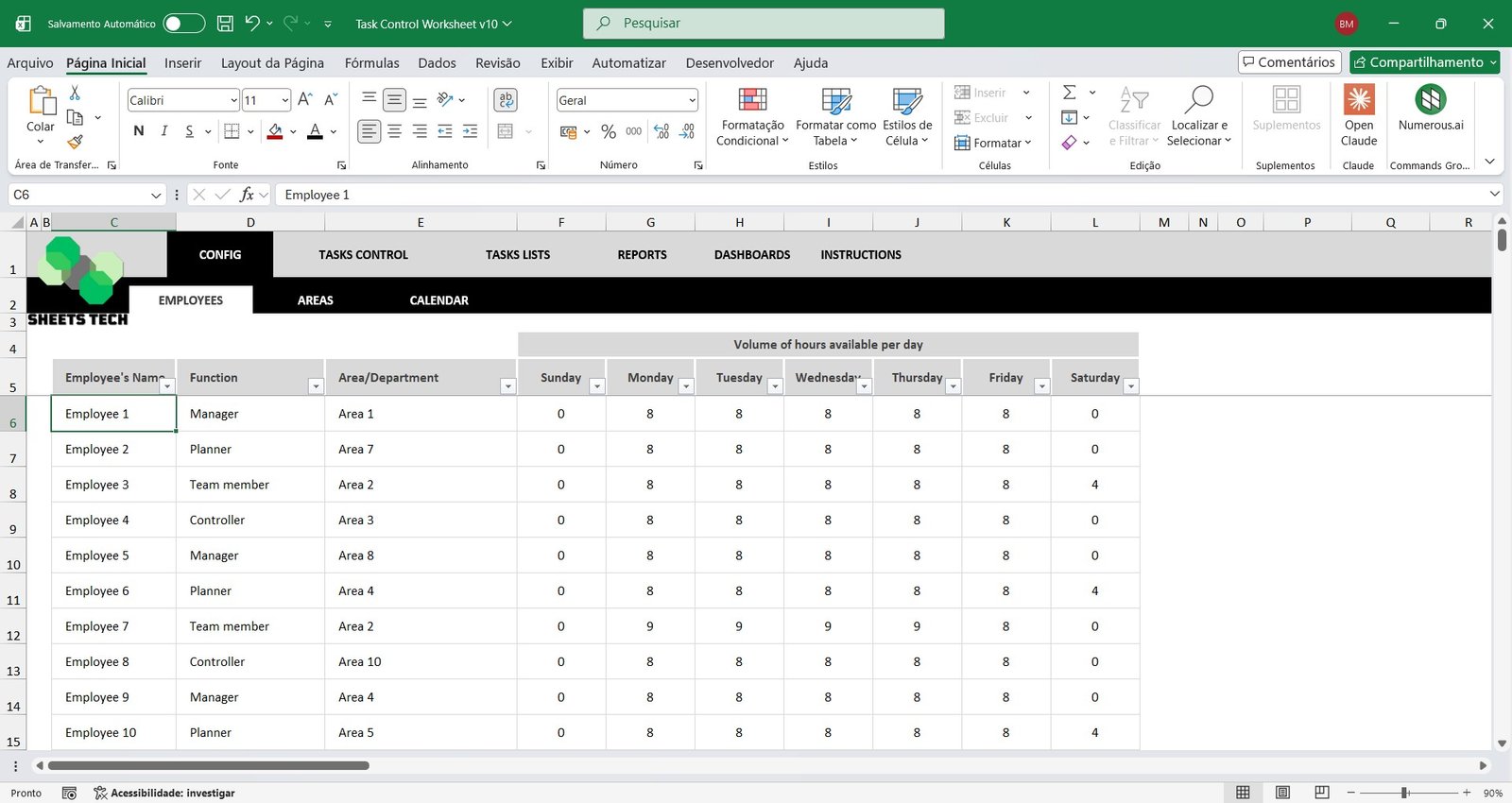
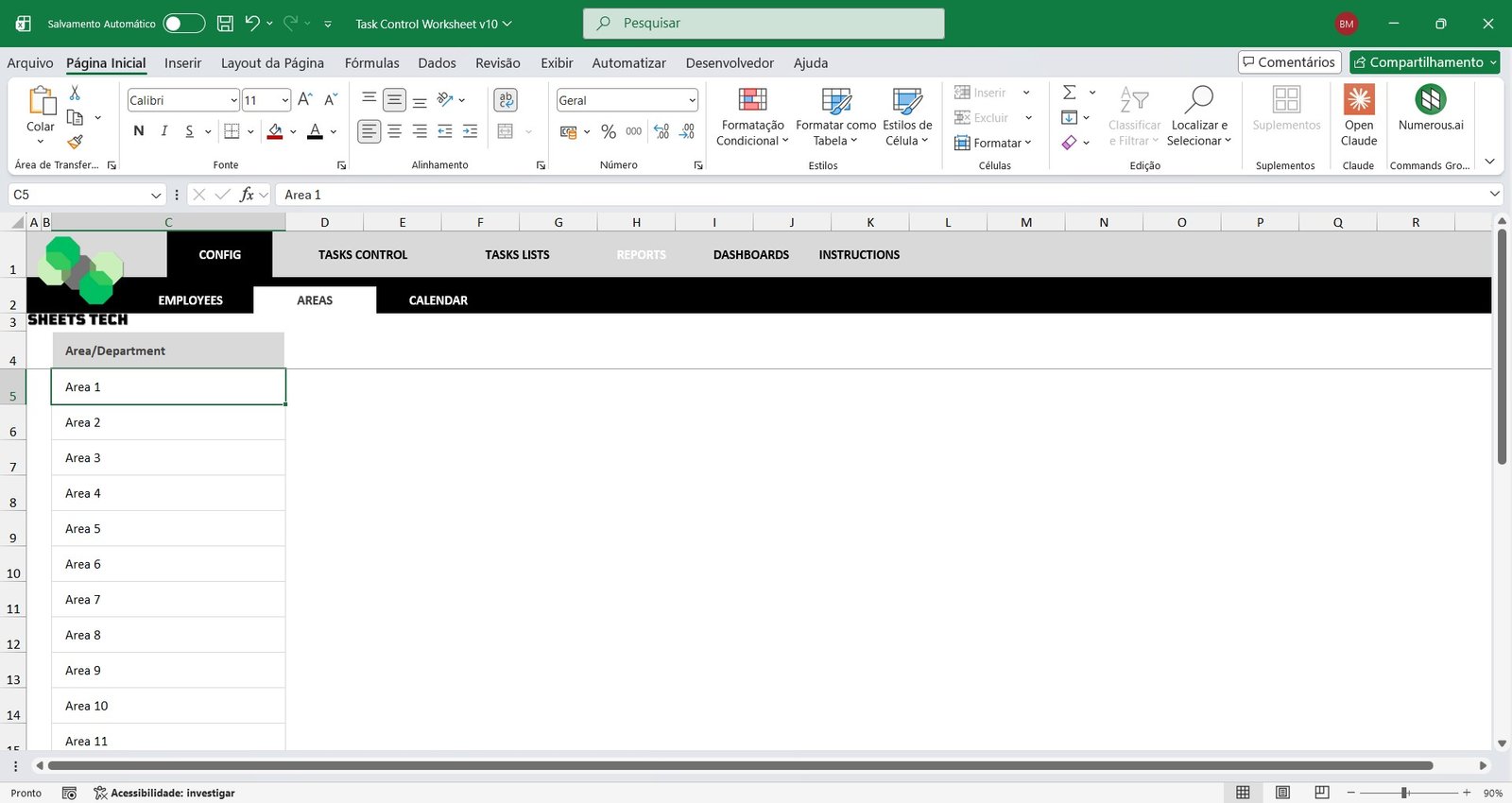
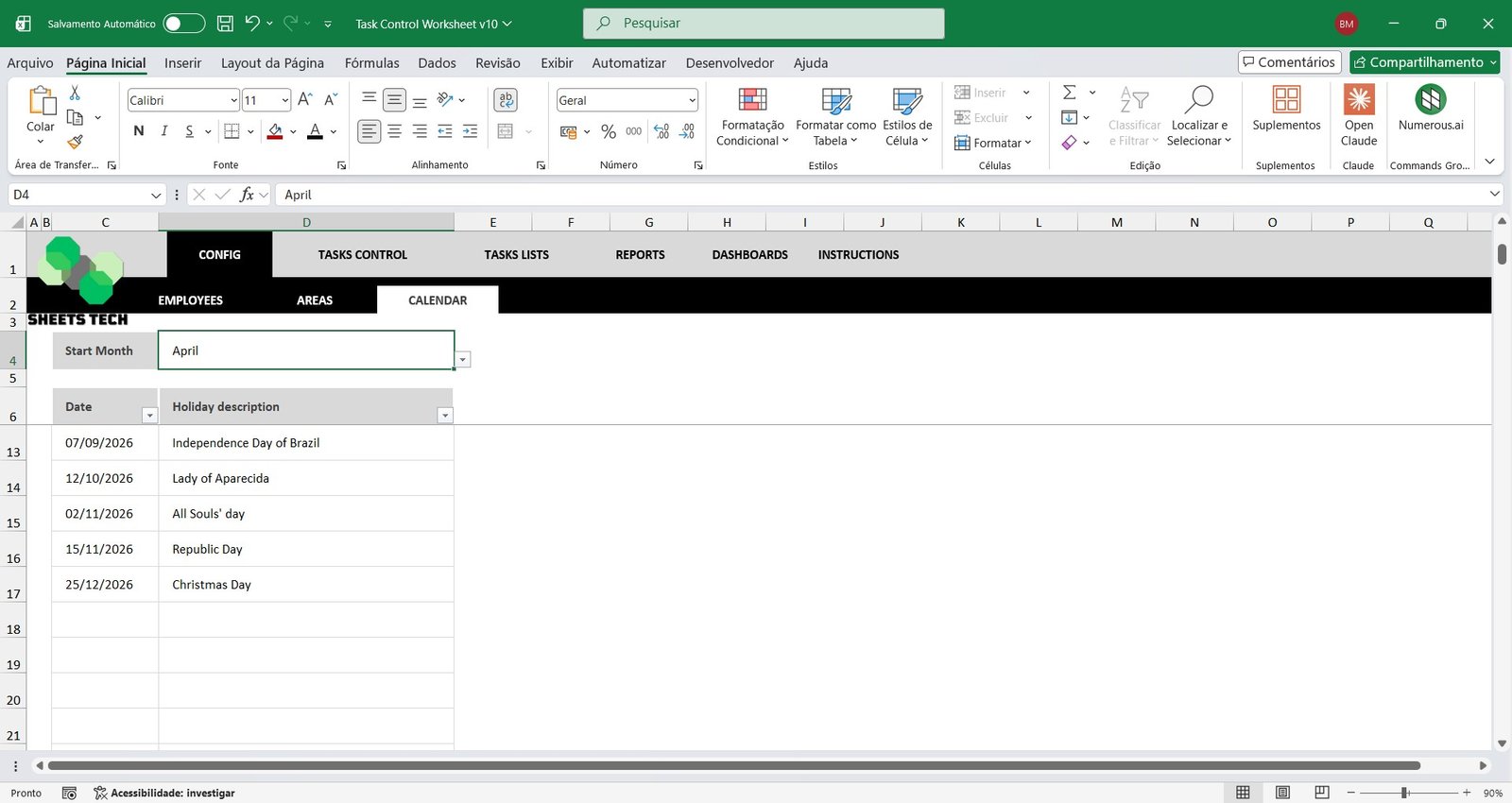
Employee, Area, and Calendar Registration
Start by setting up your company structure within the spreadsheet:
Register all employees
Assign employees to their respective areas or departments
Define the starting schedule for task control
This organized foundation ensures accurate reporting in your Workforce Planning Spreadsheet.
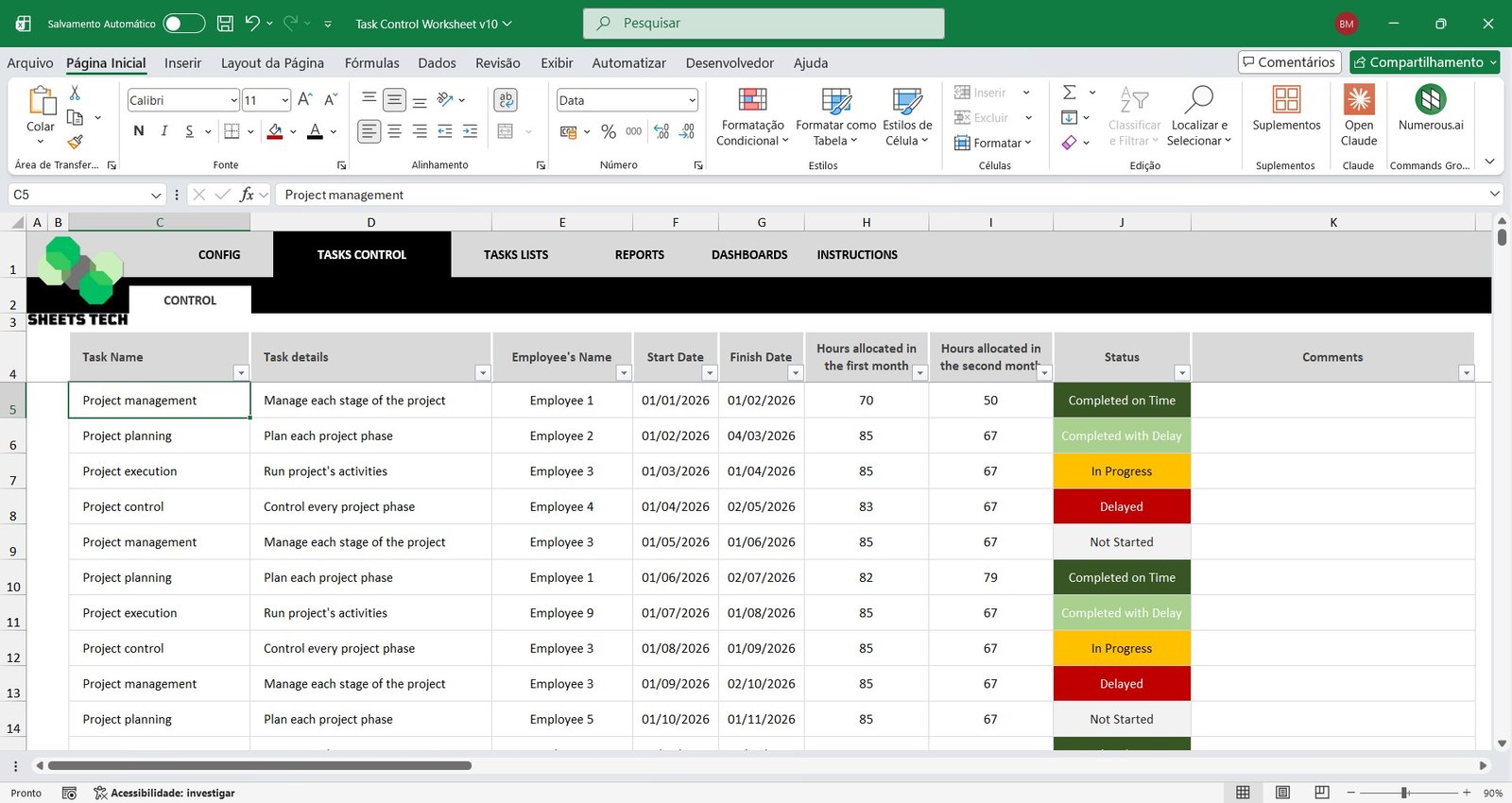
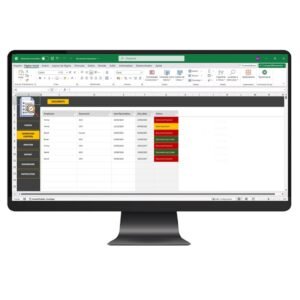
Task Control and Assignment
Easily record and manage every task that needs to be completed in your business.
Define task responsibilities
Set start and end dates
Allocate estimated hours
Record actual hours used
Update task status (Not Started, In Progress, Completed On Time, Completed Late)
This structured Project Task Tracking Excel Template automatically feeds reports and dashboards with real-time data.
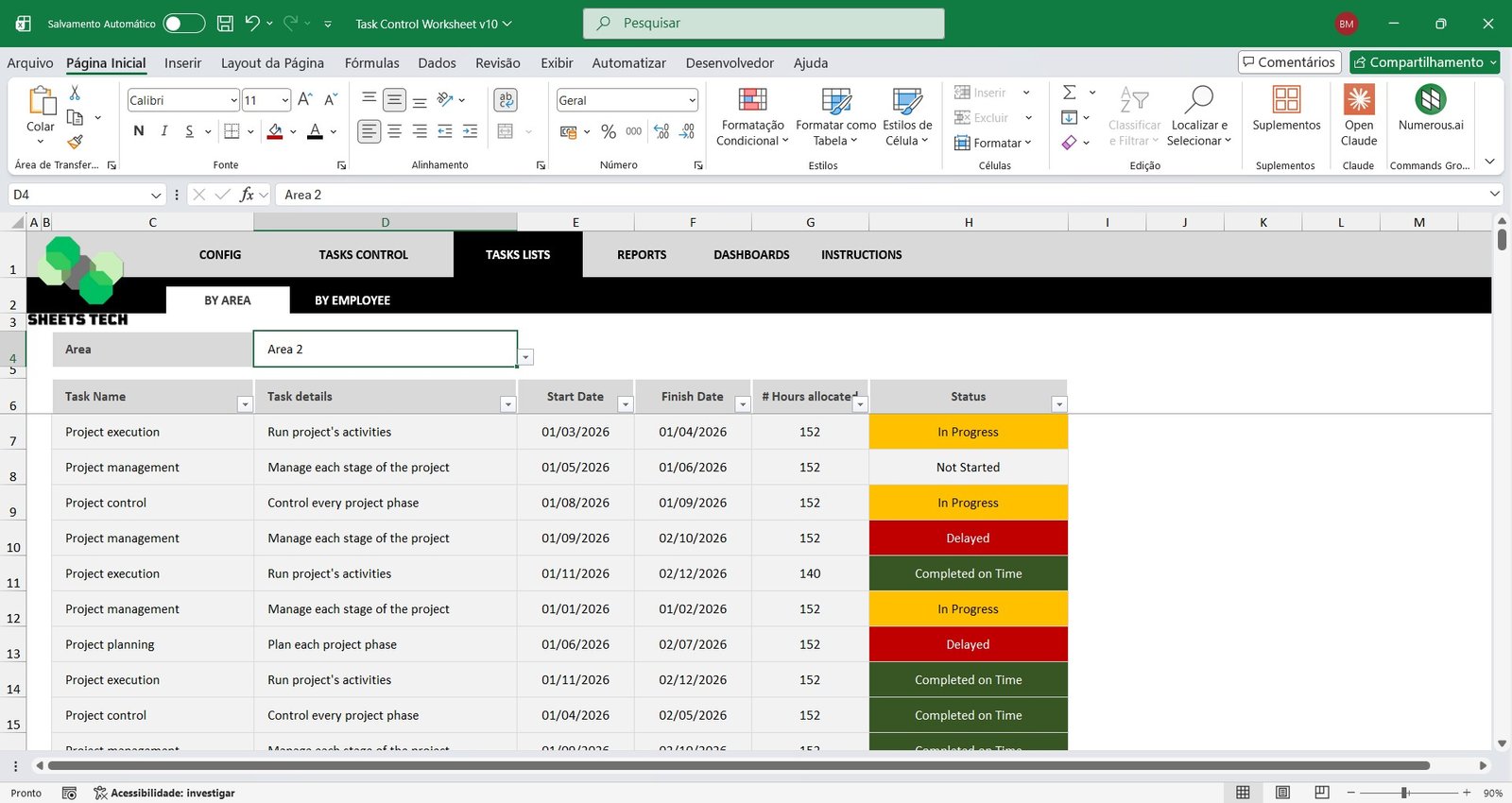
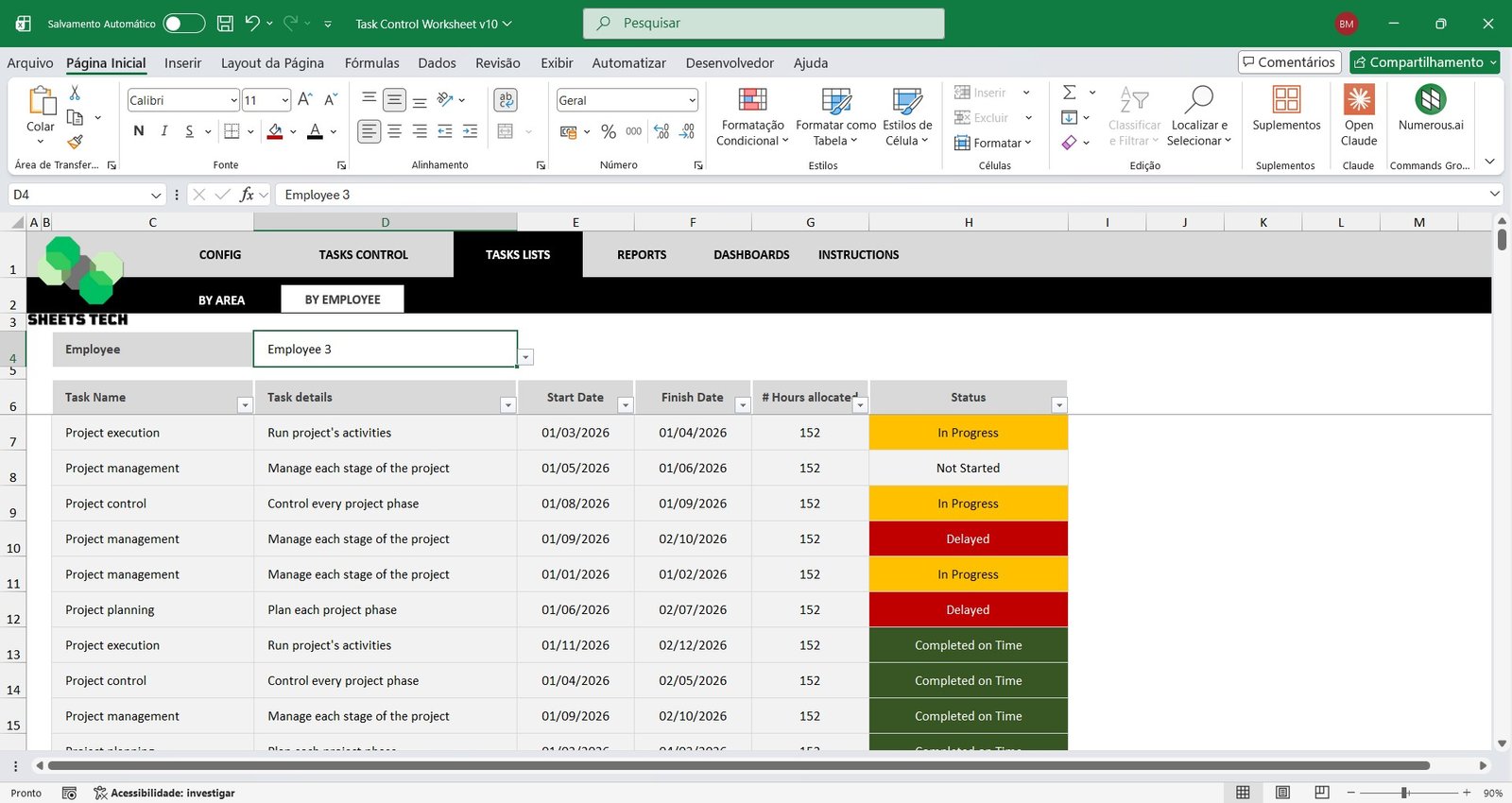
Task List by Area or Employee
Filter and analyze tasks by:
Specific department
Individual employee
This feature allows objective performance monitoring and helps managers quickly identify workload distribution and efficiency using a smart Employee Task Analysis Spreadsheet.
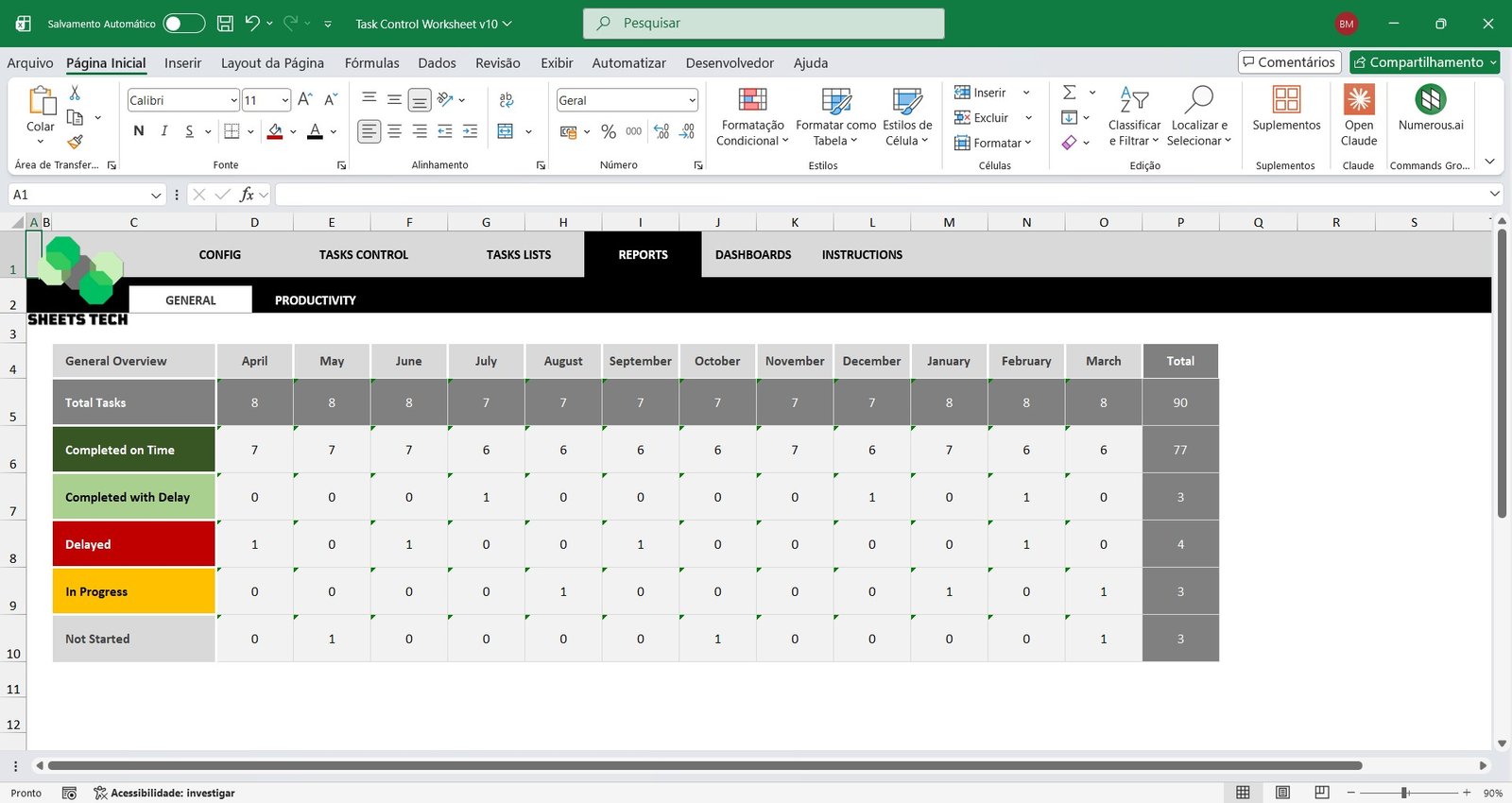
Monthly Task Control Report
Get a complete month-by-month overview of all recorded activities.
Total number of tasks
Tasks completed on time
Tasks completed late
Tasks in progress
Tasks not started
This detailed Monthly Task Report in Excel improves planning and accountability.
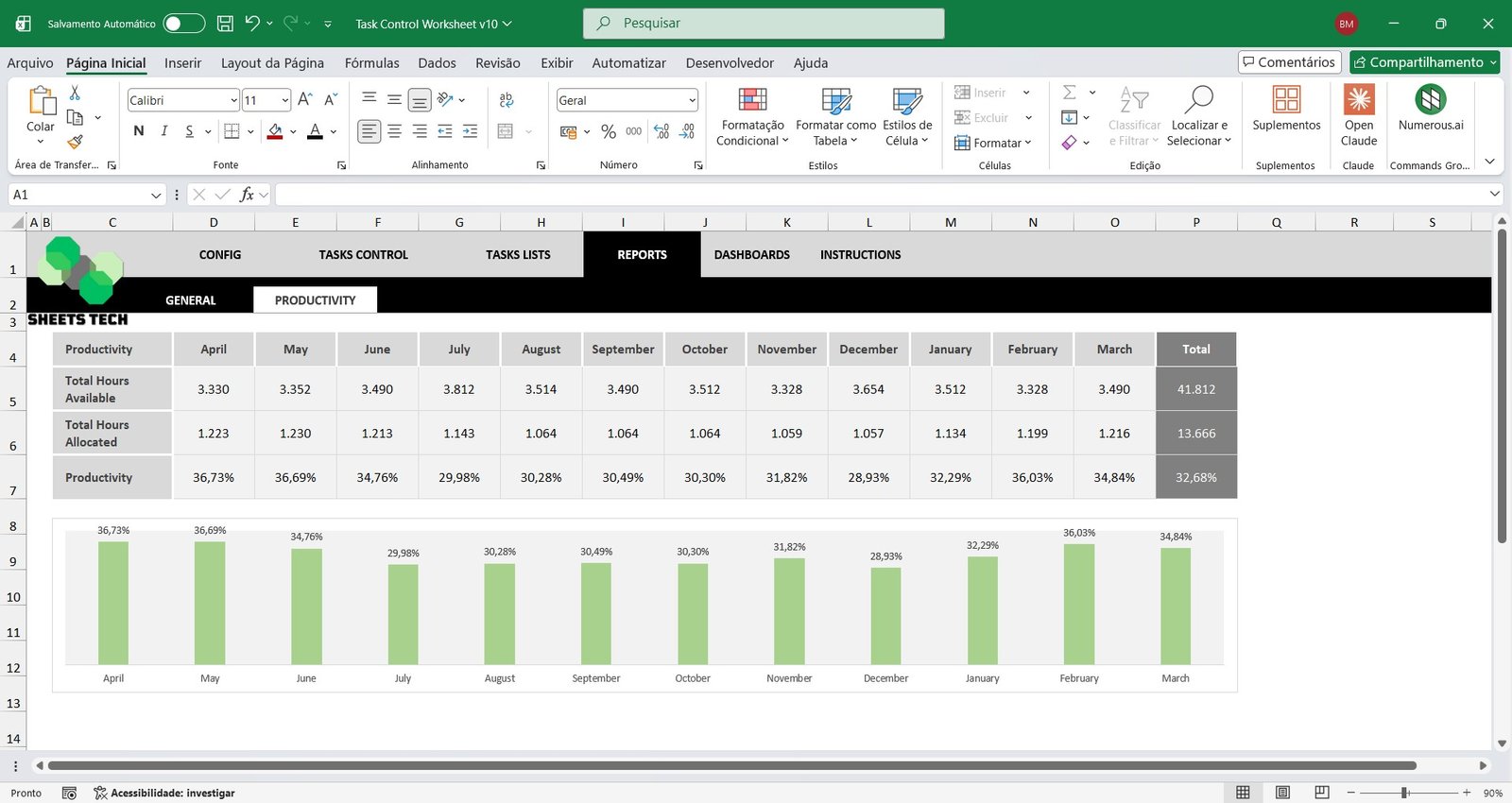
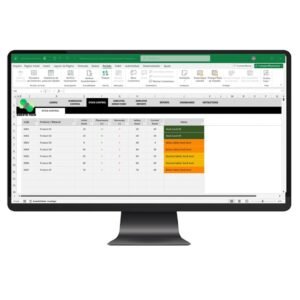
Productivity Report and Hours Control
Track workforce efficiency with a complete Productivity Control Spreadsheet.
Monitor available hours per month
Analyze allocated hours
Compare planned vs. executed time
Calculate overall monthly productivity percentage
Make better operational decisions using reliable productivity data.
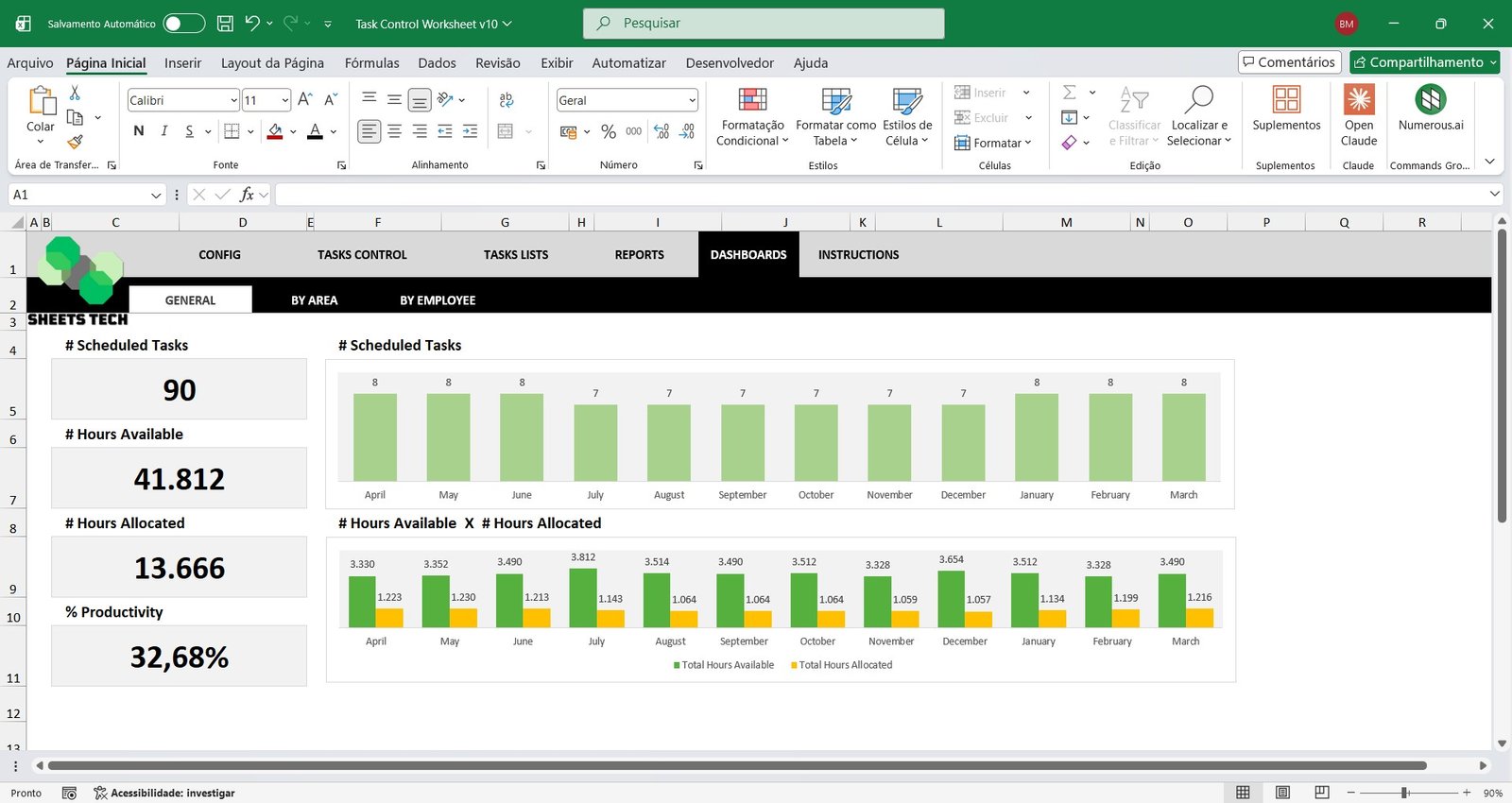
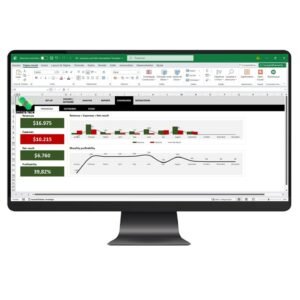
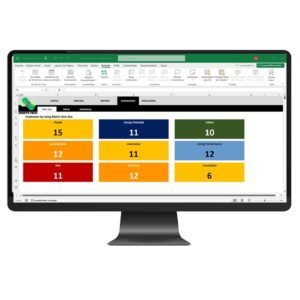
General Dashboard
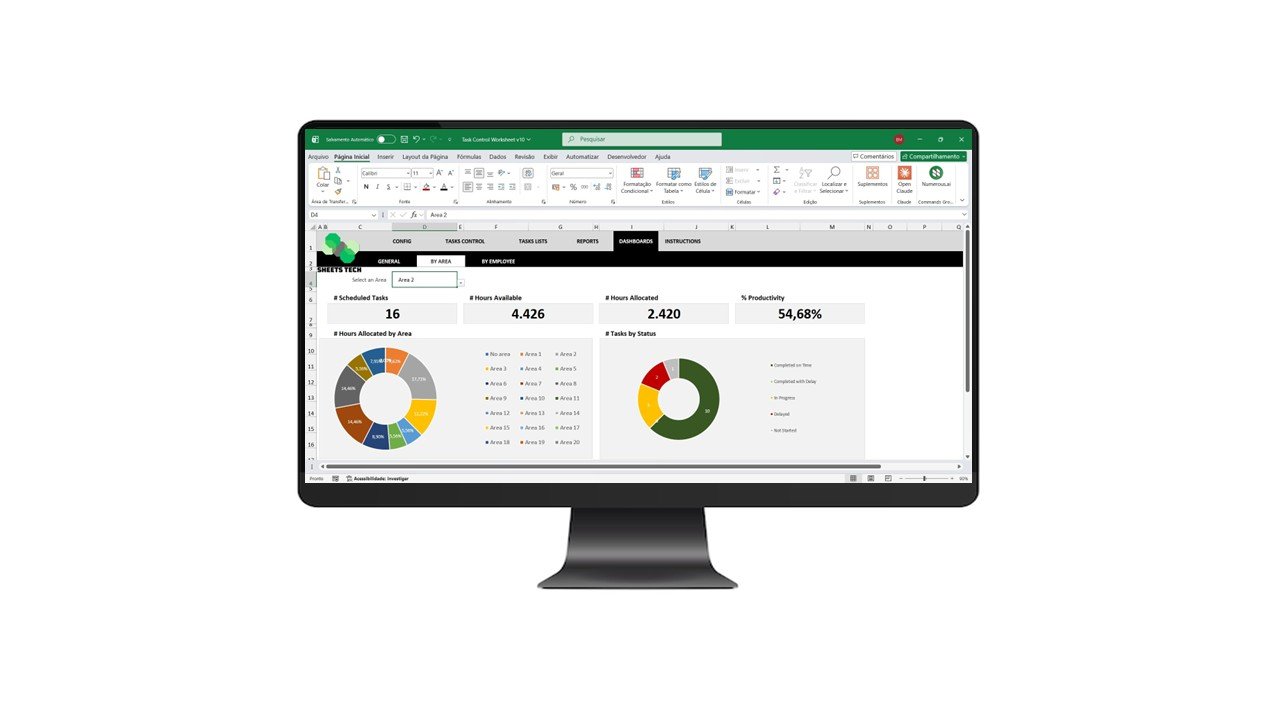
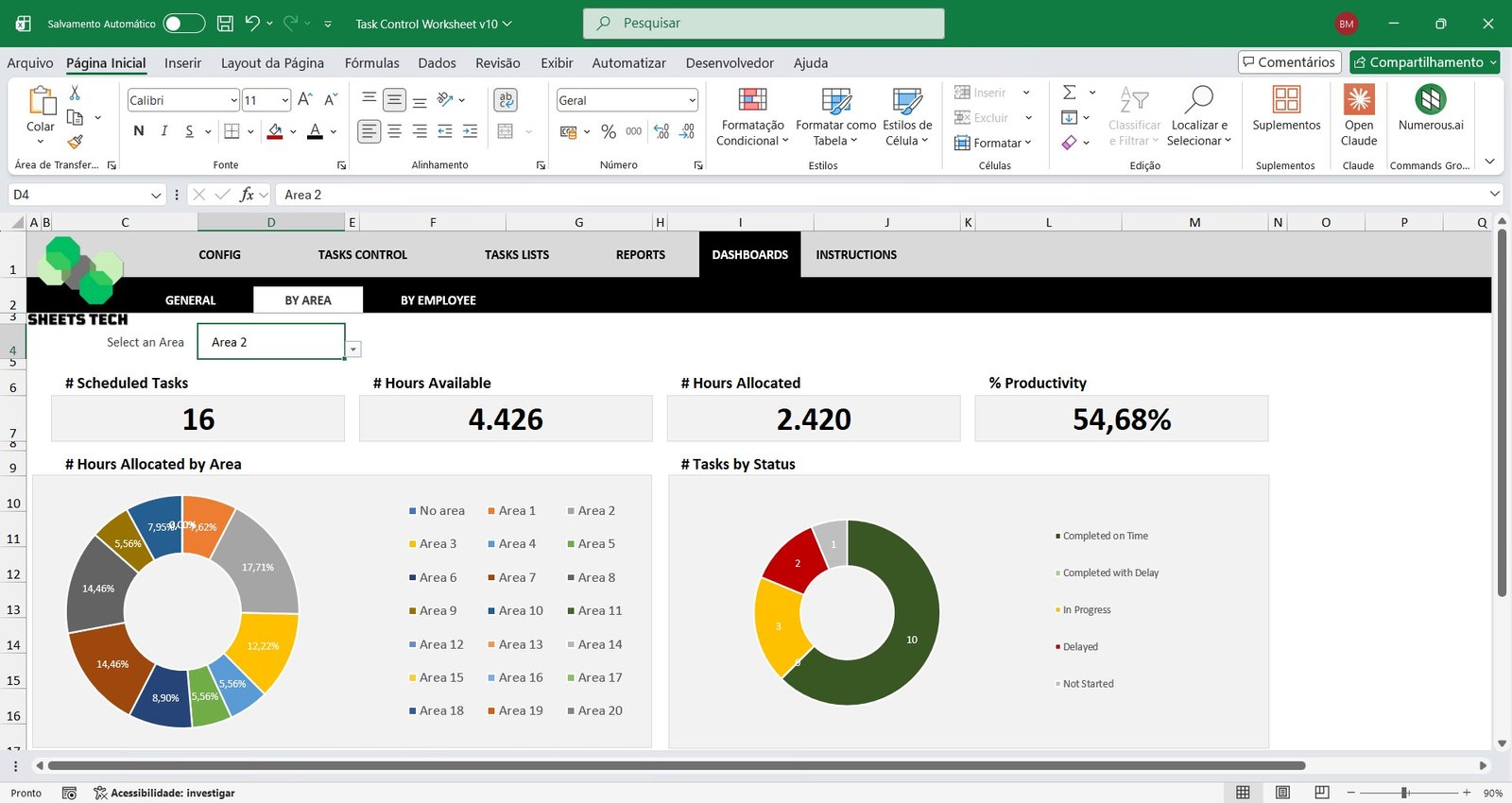
The spreadsheet compiles a powerful Task Management Dashboard in Excel with key indicators such as:
Total planned tasks
Available hours
Allocated hours
Overall productivity percentage
Monthly task evolution charts
Hours usage column charts
All essential KPIs in one visual control panel.
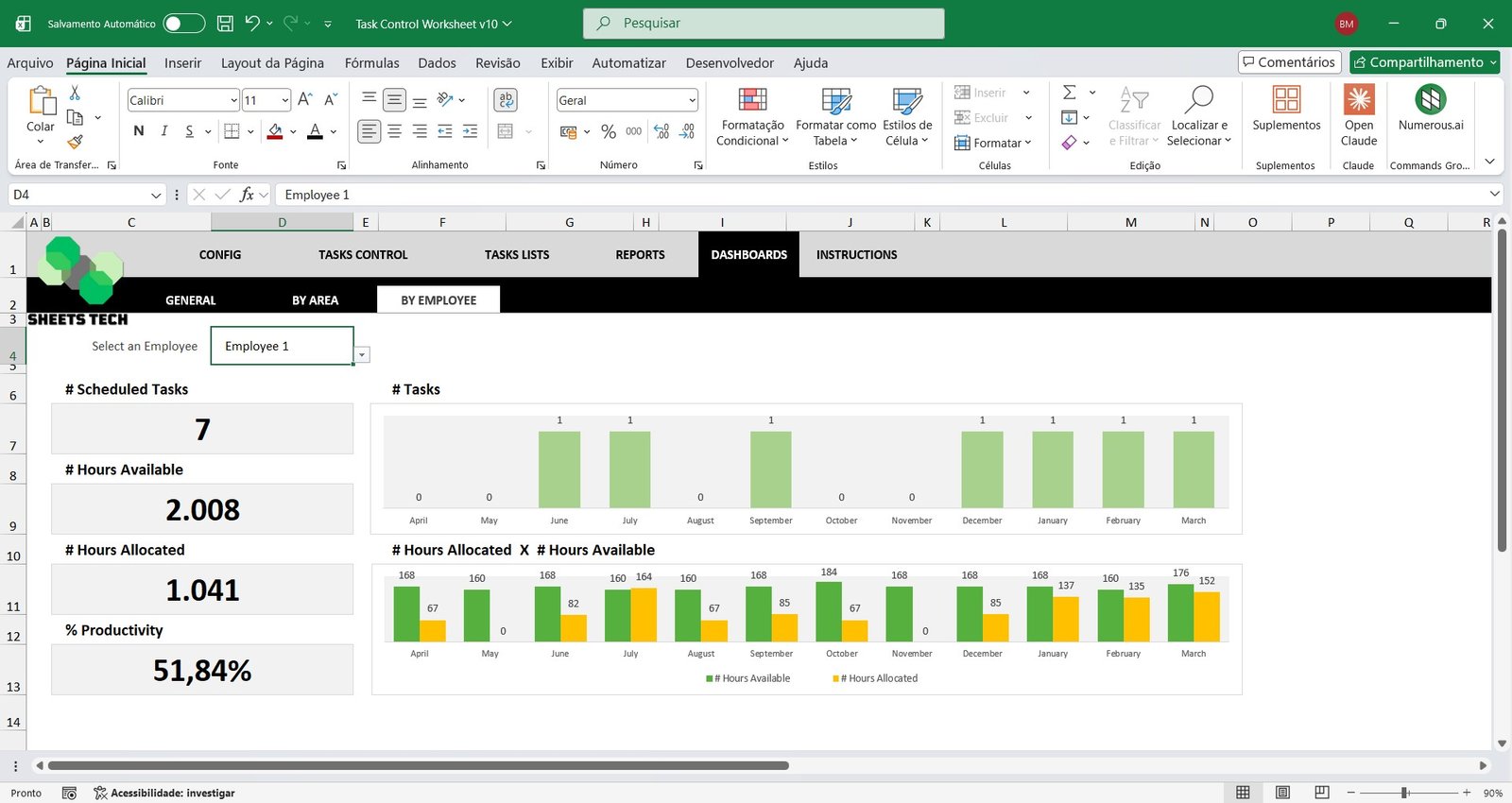
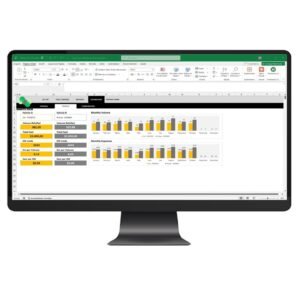
Area or Employee Analysis Dashboards
Select a specific area or employee to access a dedicated Performance Dashboard in Excel featuring:
Individual productivity indicators
Task completion statistics
Hours allocation analysis
Graphical performance reports
Ideal for managers who need detailed operational insights and performance tracking.
Why Choose This Task Control Excel Spreadsheet Template?
Fully automated calculations
Easy-to-use structure
No monthly subscription fees
Professional dashboards and reports
Ideal for small and medium-sized businesses
Take control of your team’s activities and boost efficiency with a complete Task Control and Productivity Excel Spreadsheet Template.
Watch the video about the Task Control Excel Spreadsheet Template
Reviews
There are no reviews yet.
Only logged in customers who have purchased this product may leave a review.
$49,90Original price was: $49,90.$39,90Current price is: $39,90.
Reviews
There are no reviews yet.