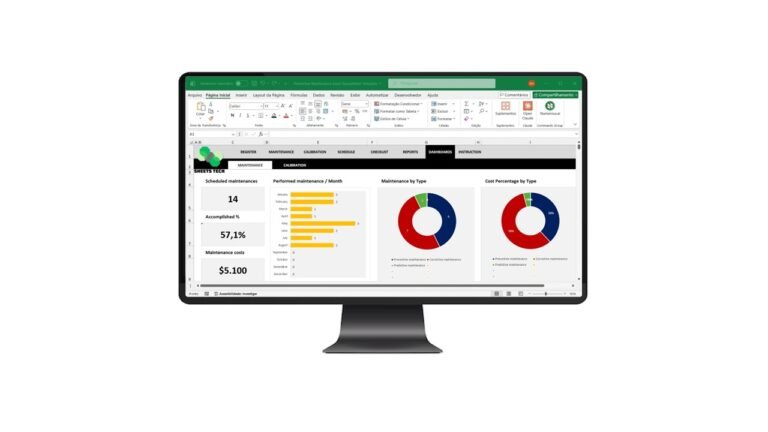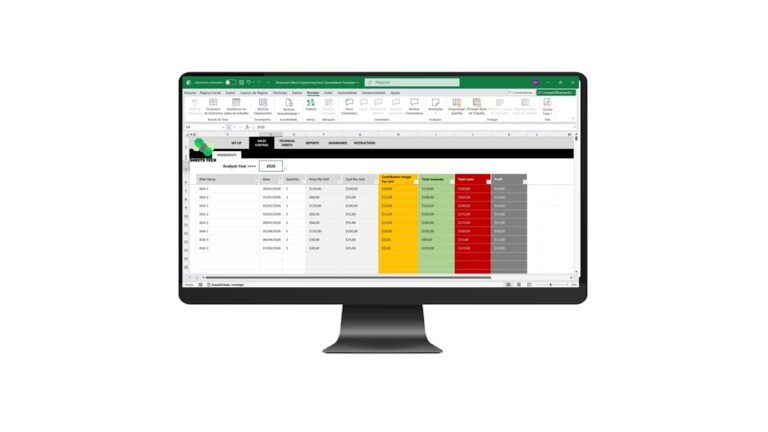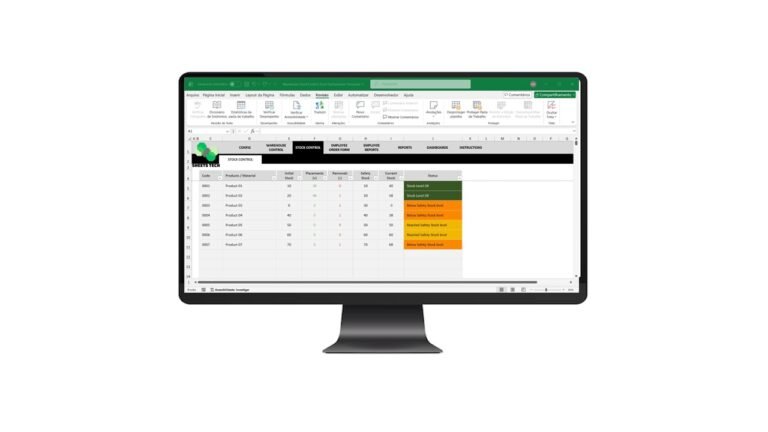
In today’s fast-paced world, keeping track of tasks can be daunting. That’s where a Task Control Excel Spreadsheet Template comes into play. This powerful tool helps streamline your workflow, ensuring nothing slips through the cracks. Whether you’re managing a team or juggling personal projects, this template can be your secret weapon for productivity.
Why Use a Task Control Excel Spreadsheet?
When it comes to managing tasks, many people struggle with organization. A Task Control Excel Spreadsheet Template provides a structured approach to track deadlines, prioritize tasks, and manage resources effectively.
Key Features of Task Control Templates
- Customizable Layouts: Tailor the spreadsheet to fit your specific needs.
- Priority Scheduling: Highlight urgent tasks to ensure timely completion.
- Progress Tracking: Monitor task status with ease.
- Resource Allocation: Manage team assignments efficiently.
Common Problems and Practical Solutions
Difficulty in Prioritizing Tasks
One common challenge is deciding which tasks to tackle first. By using a task control template, you can easily prioritize based on deadlines and importance, ensuring that critical tasks are completed on time.
Managing Team Assignments
Assigning tasks within a team can be tricky. A Task Control Excel Spreadsheet Template offers a clear view of who is responsible for what, reducing confusion and increasing accountability.
Keeping Track of Deadlines
Missing deadlines can be costly. With a task control template, you can set reminders and track progress, ensuring that everything is completed by the due date.
The Solution: SheetsTech Task Control Template
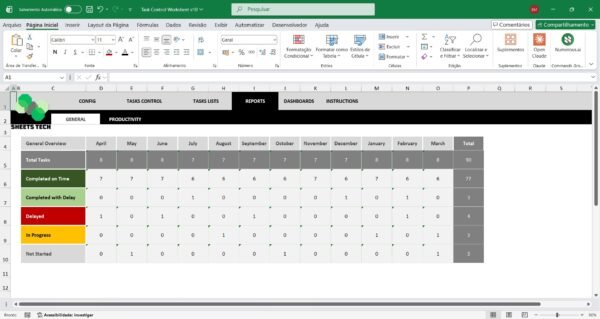
The SheetsTech Task Control Excel Spreadsheet Template is designed to make task management a breeze. This comprehensive tool comes with all the features you need to stay organized and efficient.
- Download the spreadsheet from SheetsTech to start taking control of your tasks today.
- View the complete tool and customize it to suit your workflow here.
Benefits of Using SheetsTech’s Template
- Increased Productivity: Spend less time organizing and more time executing.
- Enhanced Team Collaboration: Improve communication and task management within your team.
- Time-saving: Automate repetitive tasks to free up your schedule.
Frequently Asked Questions
How do I customize the template?
The template is fully customizable. You can adjust layouts, add new columns, or even integrate other tools to enhance functionality.
Is there a cost associated with the template?
Visit the SheetsTech product page for pricing details and package options.
Can I use the template for personal projects?
Absolutely! The template is versatile and can be used for both personal and professional task management.
Conclusion
Incorporating a Task Control Excel Spreadsheet Template into your daily routine can transform how you organize and execute tasks. By adopting the SheetsTech solution, you’ll be equipped to handle any workload efficiently. Don’t wait—take control of your tasks and boost your productivity today!
See Also
Boost your results with these other tools: – Cash Flow Statement Excel – Financial Indicators Excel Spreadsheet Template – 5W2H Action Plan Spreadsheet