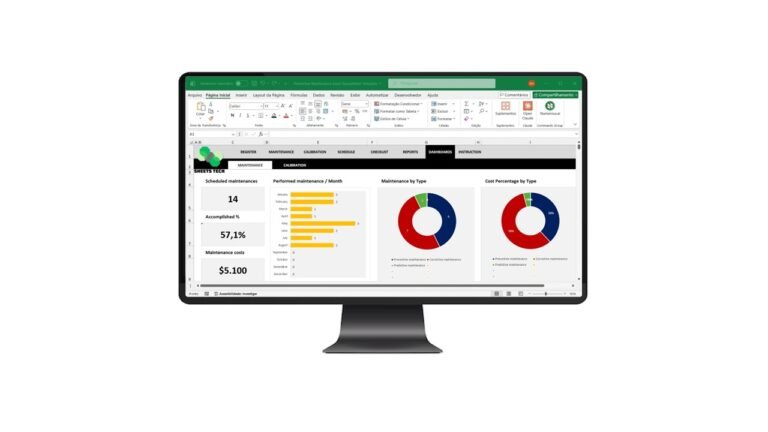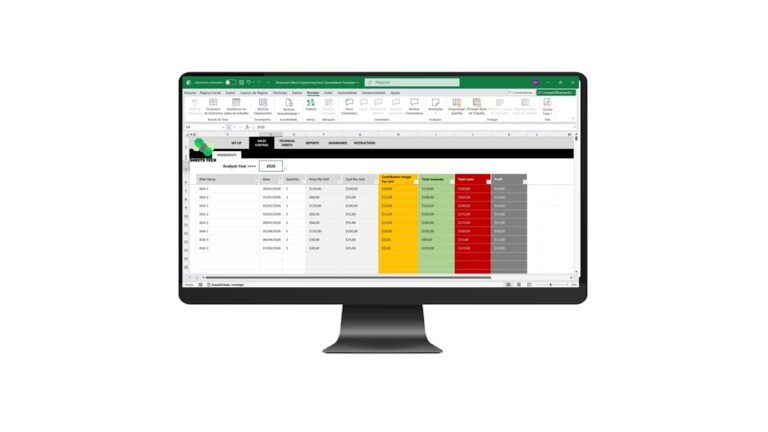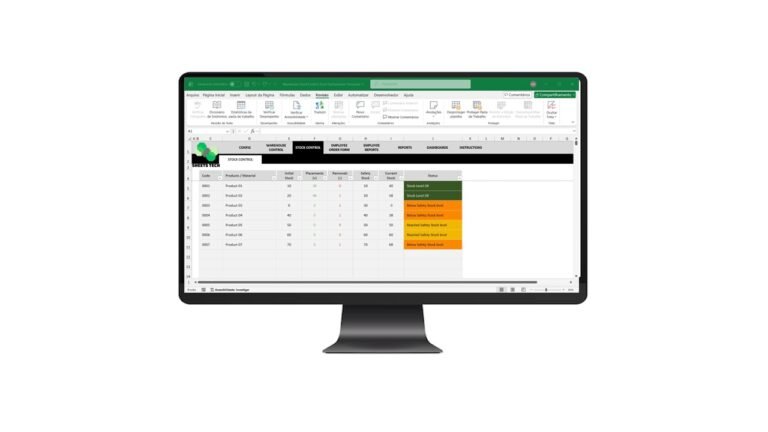
Managing inventory efficiently can be a daunting task, but with the right tools, it becomes significantly easier. The ABC Curve Excel Spreadsheet Template is a game-changer for businesses looking to optimize their inventory control. This tool assists in categorizing your inventory based on importance, allowing for smarter decision-making and cost savings.
Understanding the ABC Curve in Inventory Management
What is the ABC Curve?
The ABC Curve is an inventory categorization method that divides items into three categories: – A-items: High value, low quantity. – B-items: Moderate value and quantity. – C-items: Low value, high quantity.
This classification helps businesses prioritize their resources for maximum efficiency.
Why Use an ABC Curve Excel Spreadsheet Template?
Utilizing an ABC Curve Excel Spreadsheet Template empowers businesses to: – Identify critical inventory items quickly. – Optimize stock levels to reduce holding costs. – Improve order accuracy and decision-making.
By adopting this method, companies can focus on what’s most important, reducing waste and improving profitability.
How to Implement the ABC Curve with Excel
Step-by-Step Guide
- Data Collection: Gather your inventory data, including item costs and sales volume.
- Classification: Use the ABC method to categorize your inventory.
- Analysis: Input the data into the ABC Curve Excel Spreadsheet Template.
- Review Results: Assess which items require more focus and which can be deprioritized.
Common Challenges and Solutions
- Data Accuracy: Ensure your data is up-to-date for accurate analysis.
- Category Overlap: Regularly review and adjust categories to reflect changes in inventory dynamics.
For a reliable and user-friendly tool, consider downloading the ABC Curve Excel Spreadsheet Template.
The Solution: SheetsTech ABC Curve Excel Spreadsheet Template
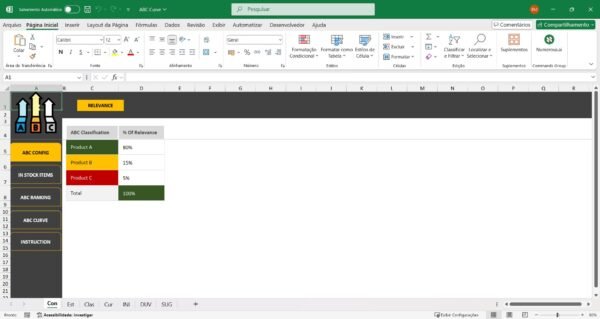
The ABC Curve Excel Spreadsheet Template by SheetsTech is designed to simplify inventory management. Here’s why it’s the ideal solution:
- Ease of Use: Intuitive design for quick setup and operation.
- Comprehensive Analysis: Provides a detailed breakdown of inventory items.
- Customizable: Tailor the template to suit your specific business needs.
Don’t miss out on this complete tool to enhance your inventory management.
Benefits of Using the ABC Curve Excel Spreadsheet Template
- Time Efficiency: Spend less time managing inventory and more time on strategic tasks.
- Cost Savings: Reduce excess inventory and associated holding costs.
- Improved Accuracy: Minimize errors in inventory categorization.
FAQ
How often should I update the ABC Curve analysis?
Regular updates are recommended, ideally monthly, to account for changes in sales patterns and inventory levels.
Is the template compatible with different versions of Excel?
Yes, the ABC Curve Excel Spreadsheet Template is compatible with all modern versions of Excel.
Conclusion
Streamlining inventory management is crucial for business success. The ABC Curve Excel Spreadsheet Template offers a practical solution to enhance efficiency and reduce costs. Download the spreadsheet today and take control of your inventory.
See Also:
Boost your results with these other tools: – Financial Management Excel Spreadsheet Template for Churches – Fuel Control Worksheet Excel Template – Financial Indicators Excel Spreadsheet Template