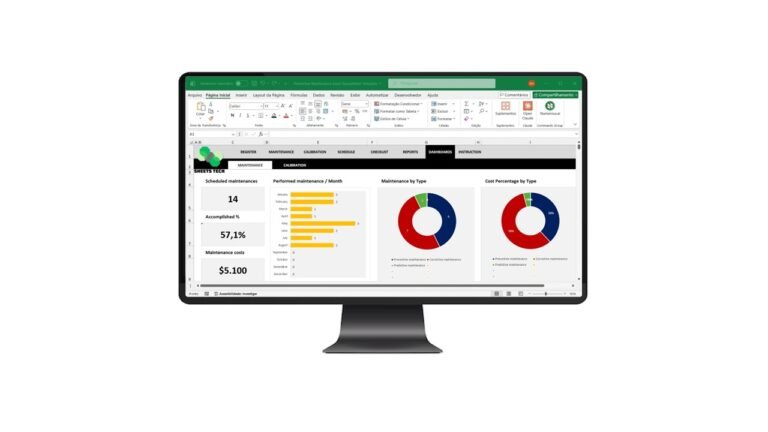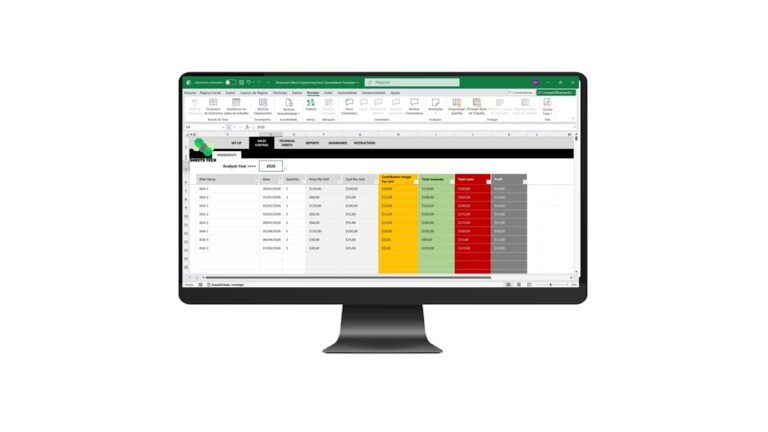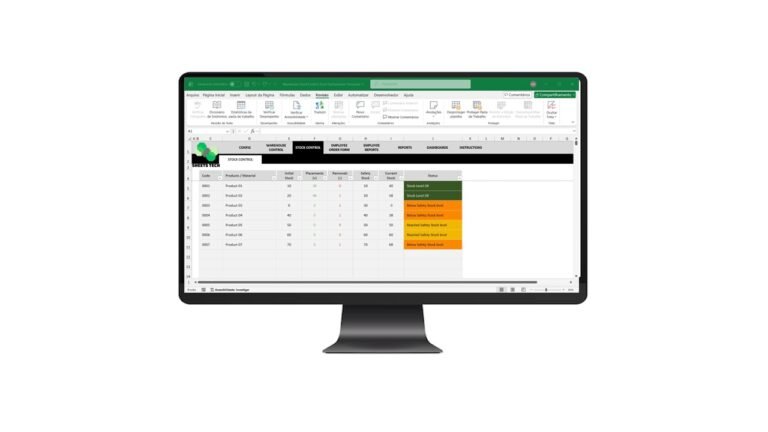
Understanding financial performance is crucial for any business aiming for growth and sustainability. That’s why a Financial Indicators Excel Spreadsheet Template is an indispensable tool for entrepreneurs and financial managers alike. Whether you’re struggling to monitor cash flow or need clarity in financial metrics, this template can be your solution.
Why Financial Indicators Matter
Financial indicators are the vital signs of your business’s health. They offer insights into profitability, liquidity, and efficiency. Without a clear understanding of these indicators, you might find yourself making uninformed decisions that could affect your company’s future.
Key Financial Metrics You Should Track
- Profit Margins: Understand how much profit you’re making after expenses.
- Liquidity Ratios: Keep track of your ability to meet short-term obligations.
- Debt Ratios: Measure your financial leverage and risk.
- Efficiency Ratios: Evaluate how well you’re utilizing assets and resources.
How to Use a Financial Indicators Excel Spreadsheet
A well-structured Excel template can help you calculate these metrics effortlessly. Here’s a quick guide to get started:
- Input Financial Data: Enter your income, expenses, assets, and liabilities.
- Calculate Key Ratios: Use pre-defined formulas in the template to automatically calculate financial ratios.
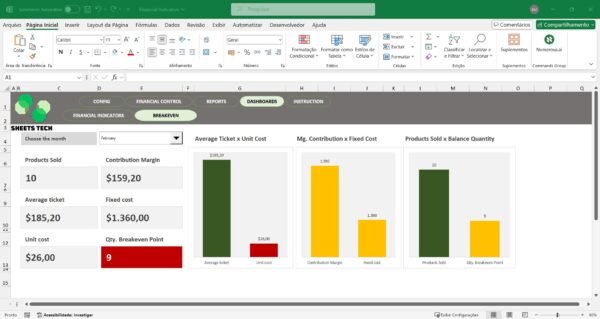
- Analyze Trends: Visualize data trends with built-in charts and graphs.
The Solution: SheetsTech Financial Indicators Template
For a streamlined experience, consider the SheetsTech Financial Indicators Excel Spreadsheet Template. This complete tool is designed to simplify financial tracking and analysis.
Why Choose SheetsTech?
- User-Friendly Interface: No advanced Excel skills required.
- Comprehensive Metrics: Covers all essential financial indicators.
- Real-Time Analysis: Get instant insights with dynamic charts.
To view the template or download the spreadsheet, visit SheetsTech today.
Benefits of Using the Financial Indicators Template
- Time-Saving: Automates complex calculations.
- Accuracy: Reduces human error in financial analysis.
- Visual Insights: Easy-to-understand charts and graphs.
FAQ
Q: Can I customize the template?
A: Yes, the template is fully customizable to fit your business needs.
Q: Is it suitable for small businesses?
A: Absolutely! It’s designed to cater to businesses of all sizes.
Q: Do I need Excel expertise?
A: Basic Excel knowledge is sufficient to use this template effectively.
Conclusion

In conclusion, a Financial Indicators Excel Spreadsheet Template is a critical tool for any business aiming to maintain robust financial health. By utilizing the SheetsTech template, you can ensure accurate financial tracking and insightful analysis. Start transforming your business today.
See Also
Boost your results with these other tools:
- Restaurant Menu Engineering Excel Spreadsheet Template
- Warehouse Stock Control Excel Spreadsheet Template
- Tire Control Excel Spreadsheet Template